Change your provider's address or password, refresh your channels, and sign out.
New address or password
-
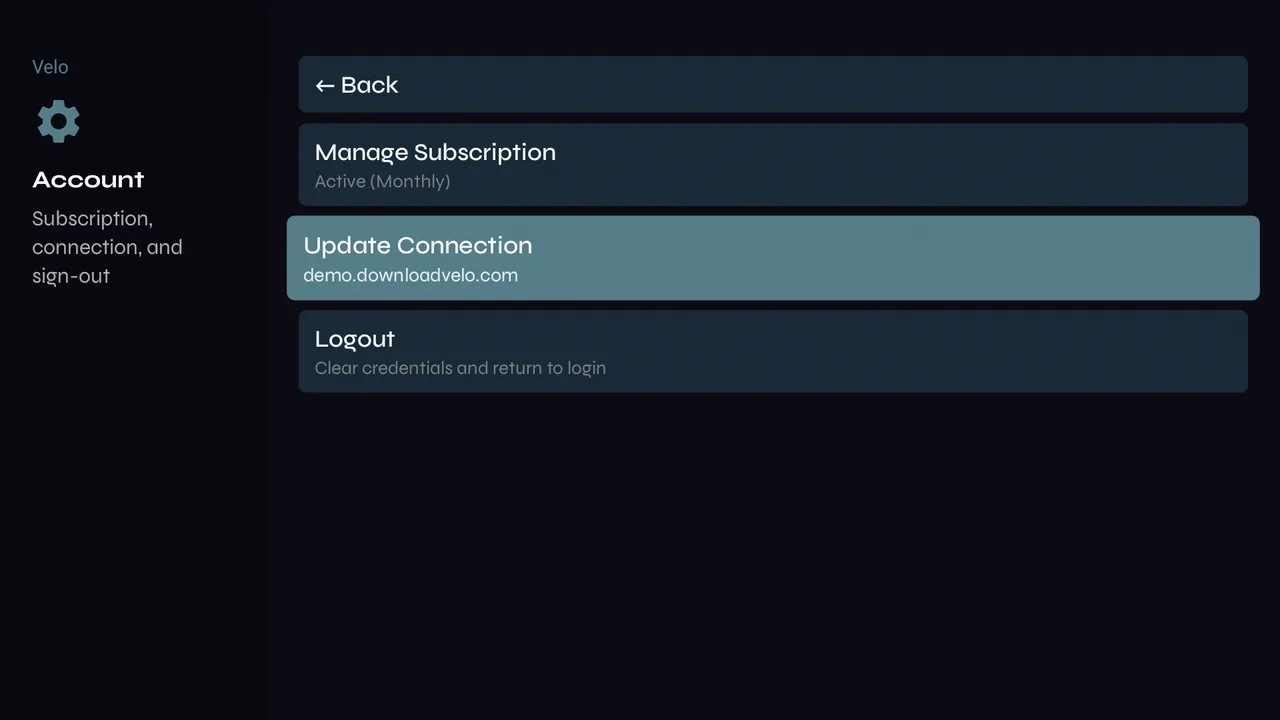
1Settings → Account → Update Connection.
-
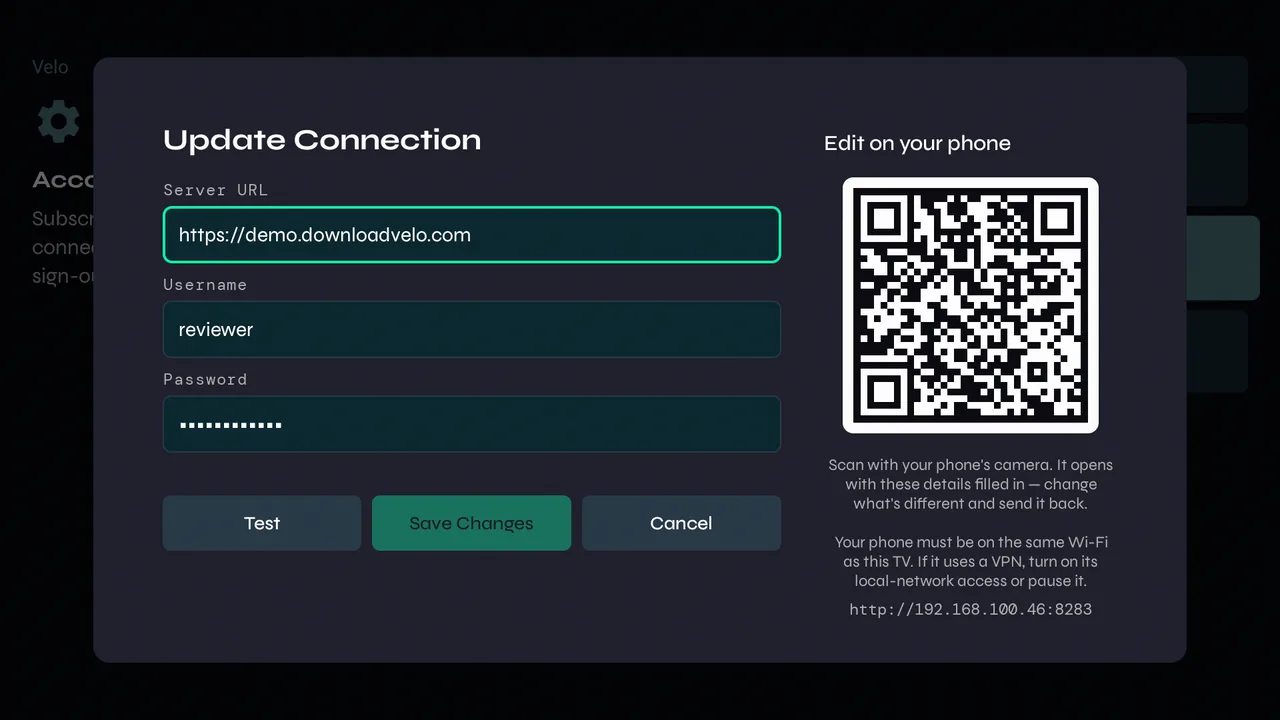
2Change what's different, press Test, then Save Changes. Or scan the QR code and make the change on your phone.
-
3Same provider at a new address? Velo keeps your lineup, favourites and history, and refreshes everything in the background. A different provider means setting up again from scratch.
Keeping your lists fresh
-
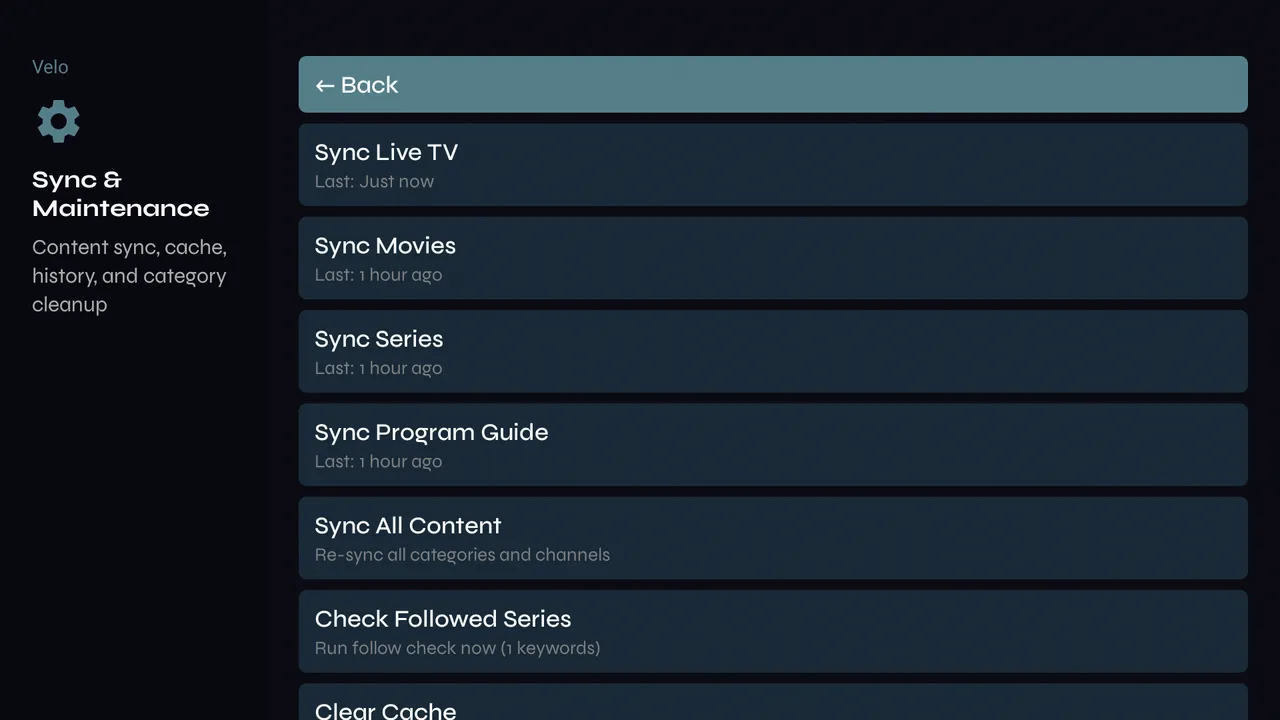
1Velo refreshes your live channels every hour while it's open, and the rest in the background. To refresh now, open Settings → Sync & Maintenance: sync Live TV, Movies, Series or the Program Guide on its own, or Sync All Content.
-
2Clear Cache, on the same page, empties Velo's copy of your lineup and runs the first-time setup again. Favourites and history are kept.
-
3In Live TV search, Check for new channels fetches the live list straight away.
Signing out
-
1Settings → Account → Logout removes your provider login and returns to the sign-in screen.