Get told when a show you follow has a new episode, and play it straight from Home.
Follow a show
-
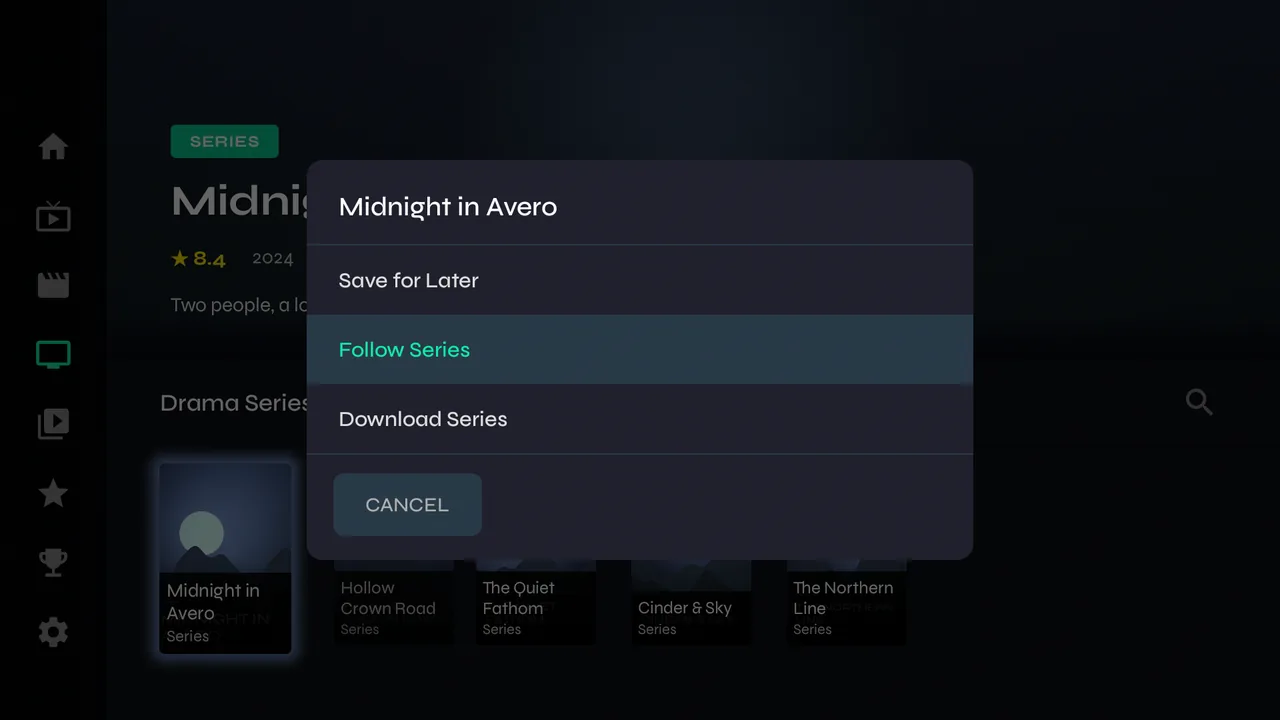
1Hold OK on a series and choose Follow Series.
-
2Velo notes every episode that exists today, so it doesn't flood you with the back catalogue. From then on, only new episodes count.
New episodes
-
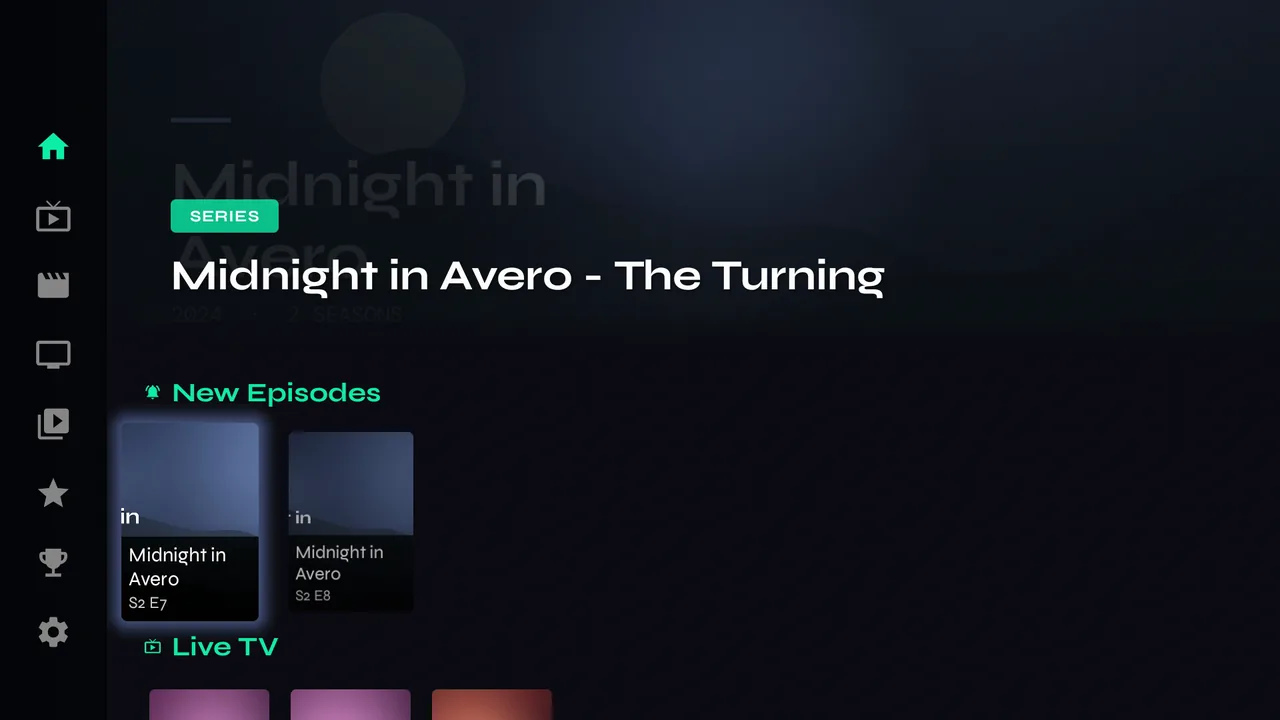
1When one appears at your provider, Home shows it under New Episodes with the show and episode number. Press OK to play it.
-
2Once you start or finish it, it leaves the row. Episodes you've watched never come back as new, even if your provider adds them again.
Managing follows
-
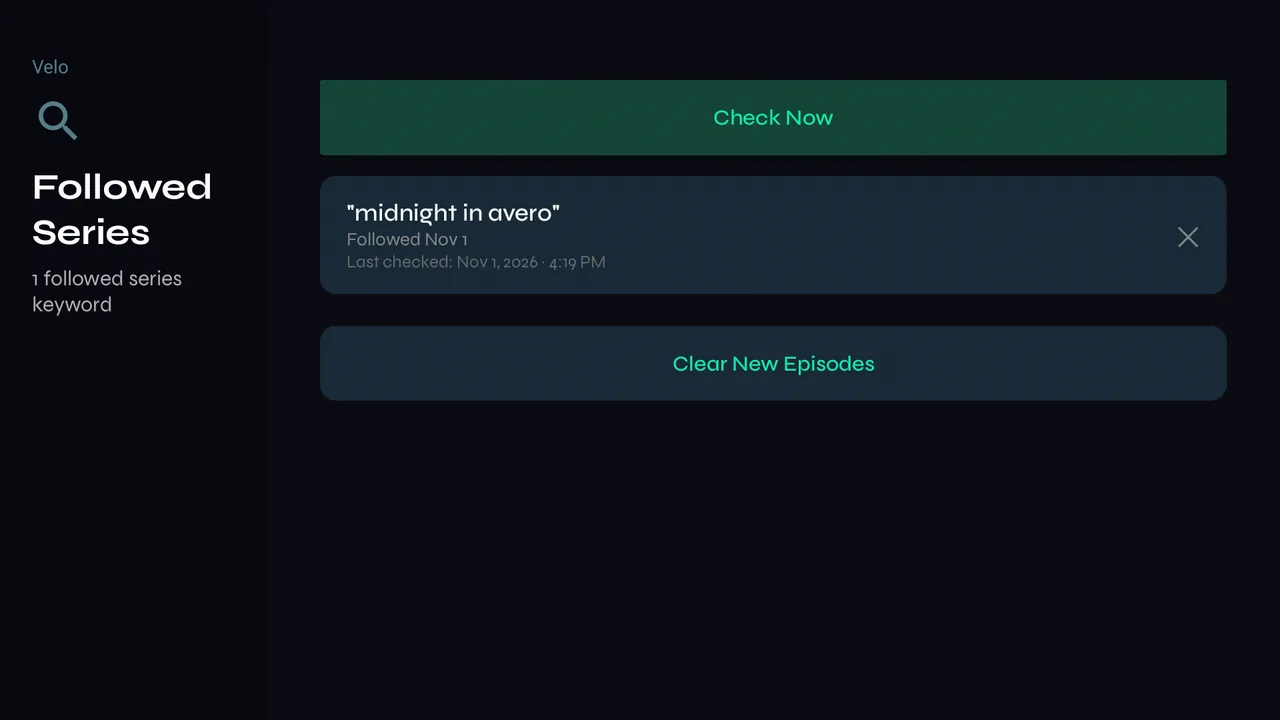
1Settings → Content & Library → Manage Followed Series lists the shows you follow and when each was last checked. Check Now looks straight away, ✕ unfollows, and Clear New Episodes empties the row.
-
2Velo checks by itself when it opens, after a sync and every few hours. To check every show you follow right now, use Settings → Sync & Maintenance → Check Followed Series.