Download movies and episodes to watch with no connection at all.
Download something
-
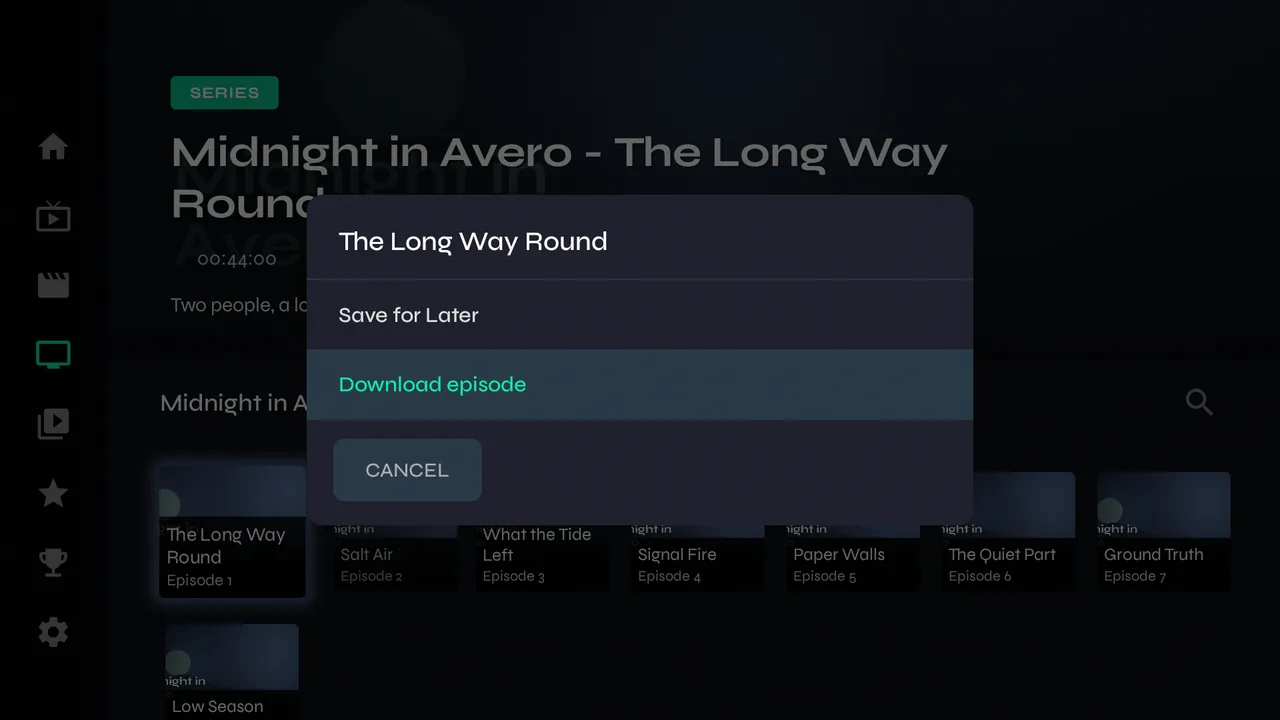
1Hold OK on a movie and choose Download, or on an episode for Download episode. While watching, the download button in the controls does the same.
-
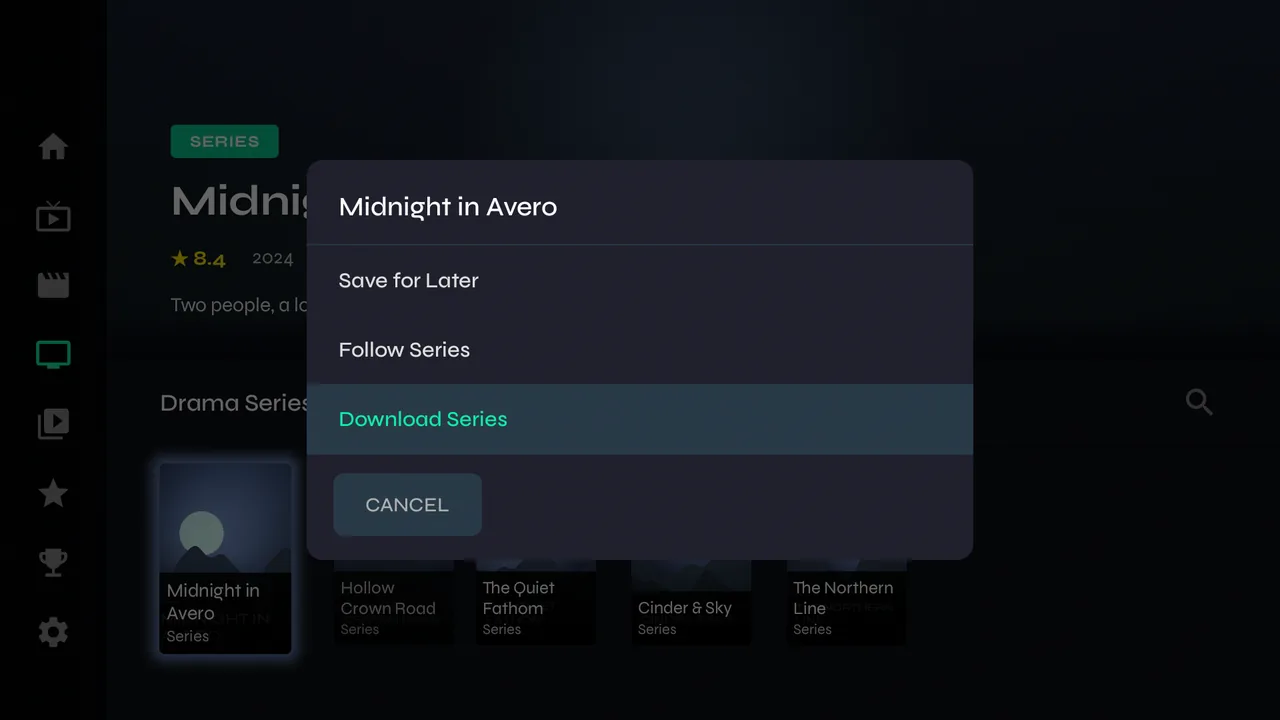
2Hold OK on a series for Download Series…
-
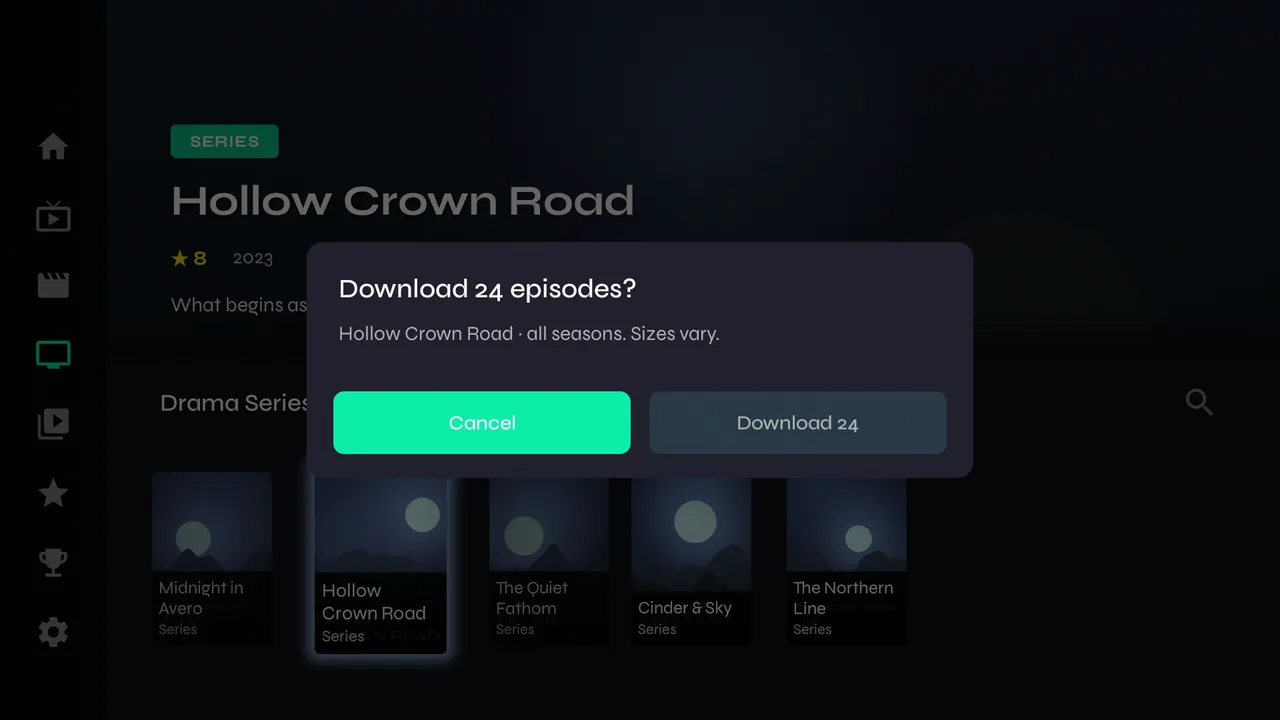
3…and Velo says how many episodes that is before it starts.
-
4Downloads run one at a time, and pause while you watch something, so they never compete with playback for your provider's connection.
Watching offline
-
1Library → Downloads. A series' episodes collect in one folder.
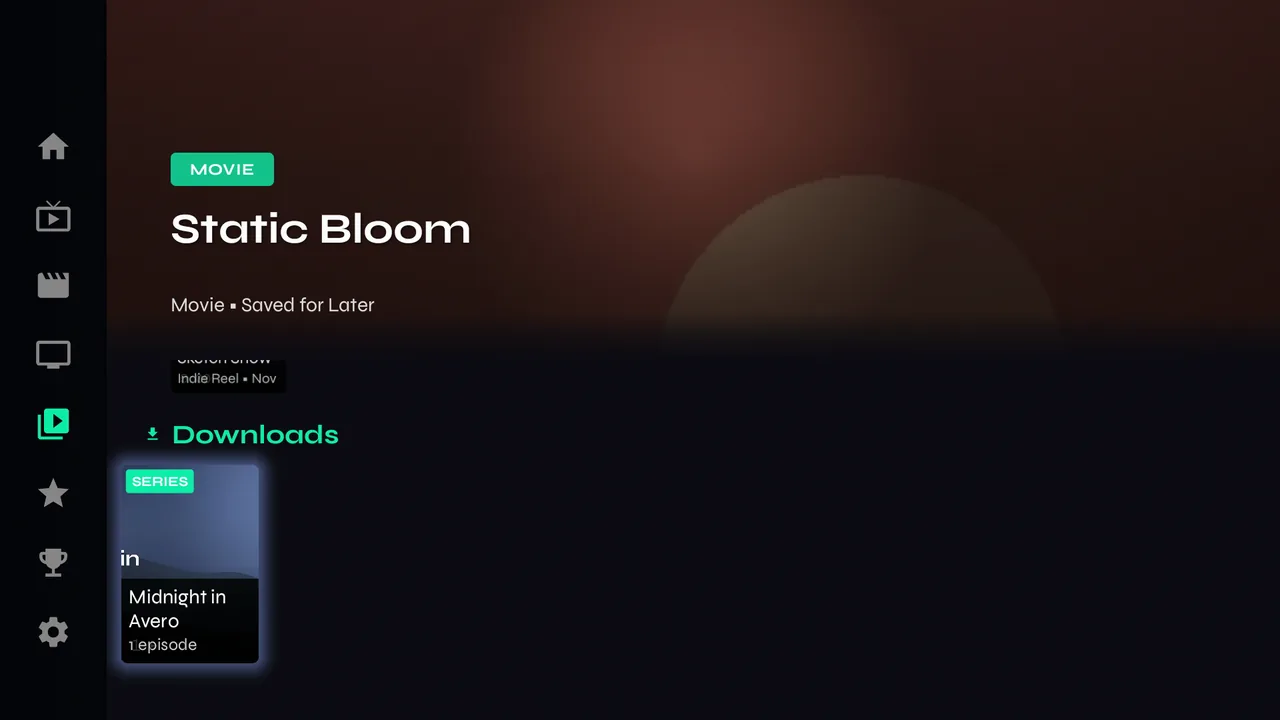
-
2Press OK to open the folder and Back to close it. Everything marked OFFLINE plays with no internet at all.
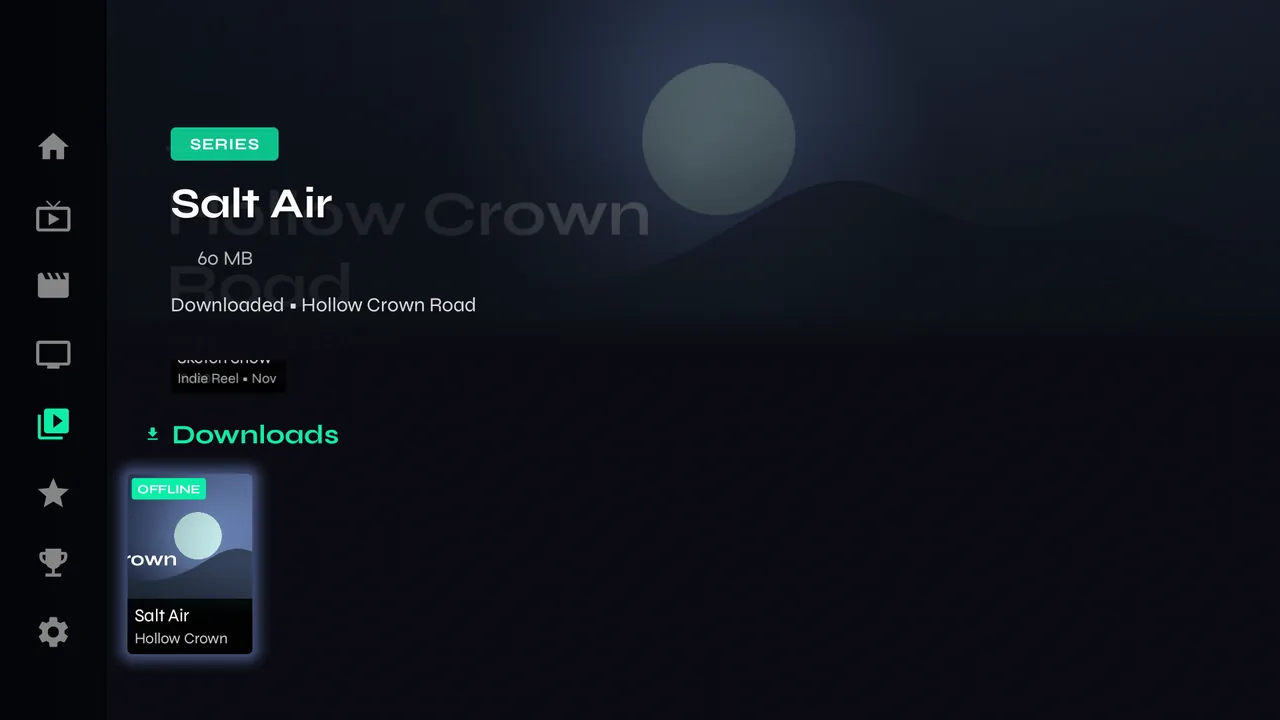
-
3Hold OK on a download for Delete download. While it's still downloading, the same place offers Cancel download. Velo asks first — choose Keep to change your mind.
Storage
-
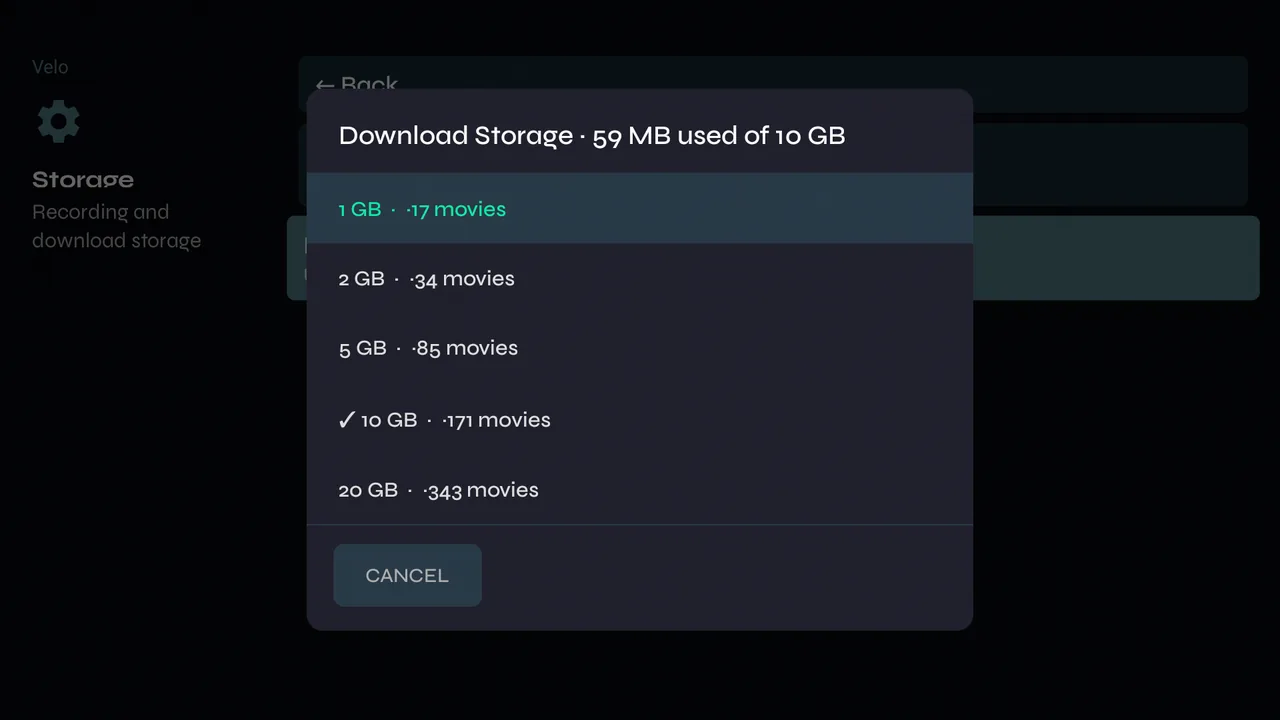
1Settings → Storage → Download Storage sets the space, with roughly how many movies fit. Downloads are never deleted to make room — when it's full, new ones wait until you remove something.