Everything you've started, saved, recorded or downloaded, in one place.
Continue Watching
-
1Stop a movie or episode partway and it waits for you on Home and in Library, showing how far you got. Press OK to carry on from there.

-
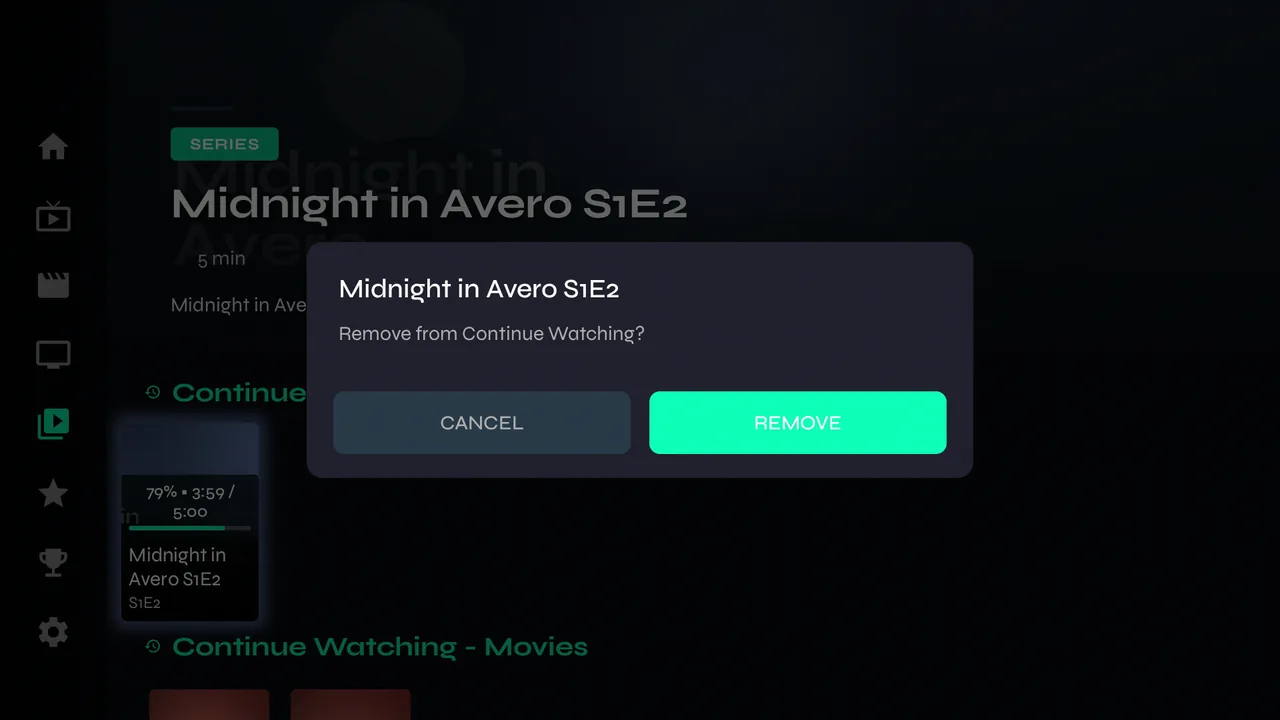
2To clear one, hold OK on it and choose Remove.
-
3Finish a title and it leaves Continue Watching by itself.
Saved for later
-
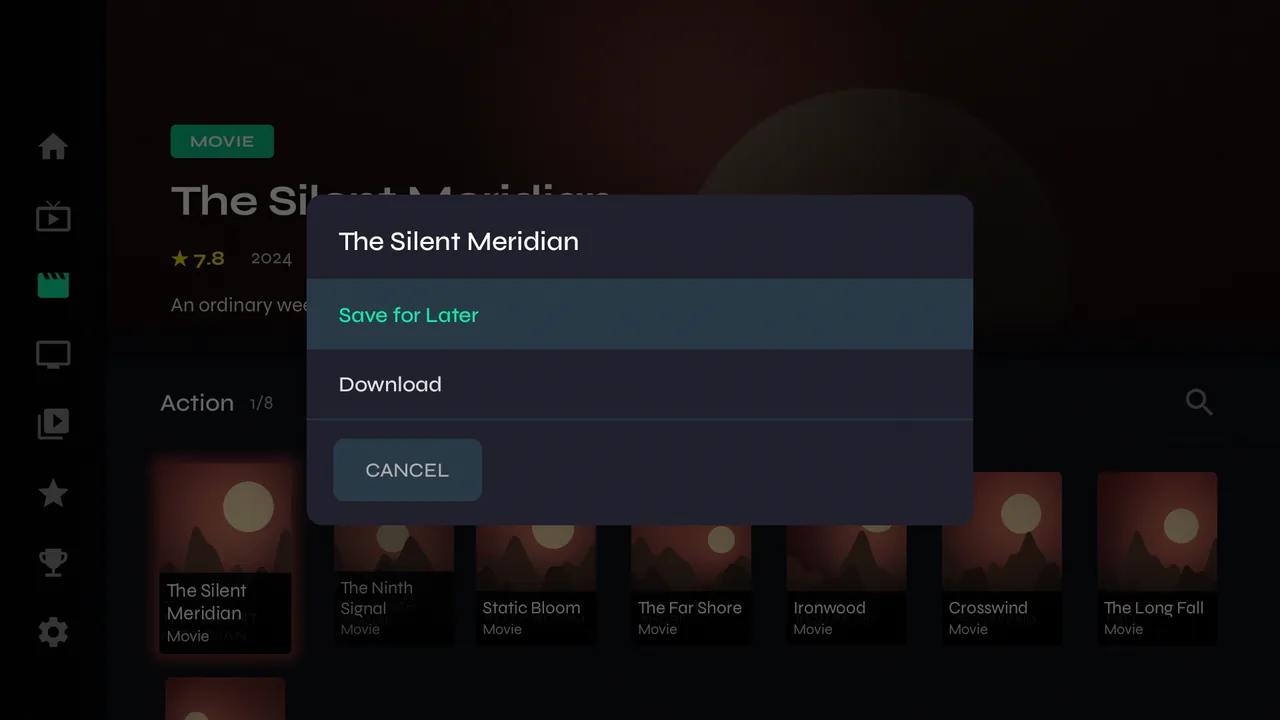
1Hold OK on any movie or series and choose Save for Later. It appears in Library under Saved for Later — handy for things you want to find again without searching.
Also in Library
-
1Recordings and Downloads have their own rows further down.
Clearing it
-
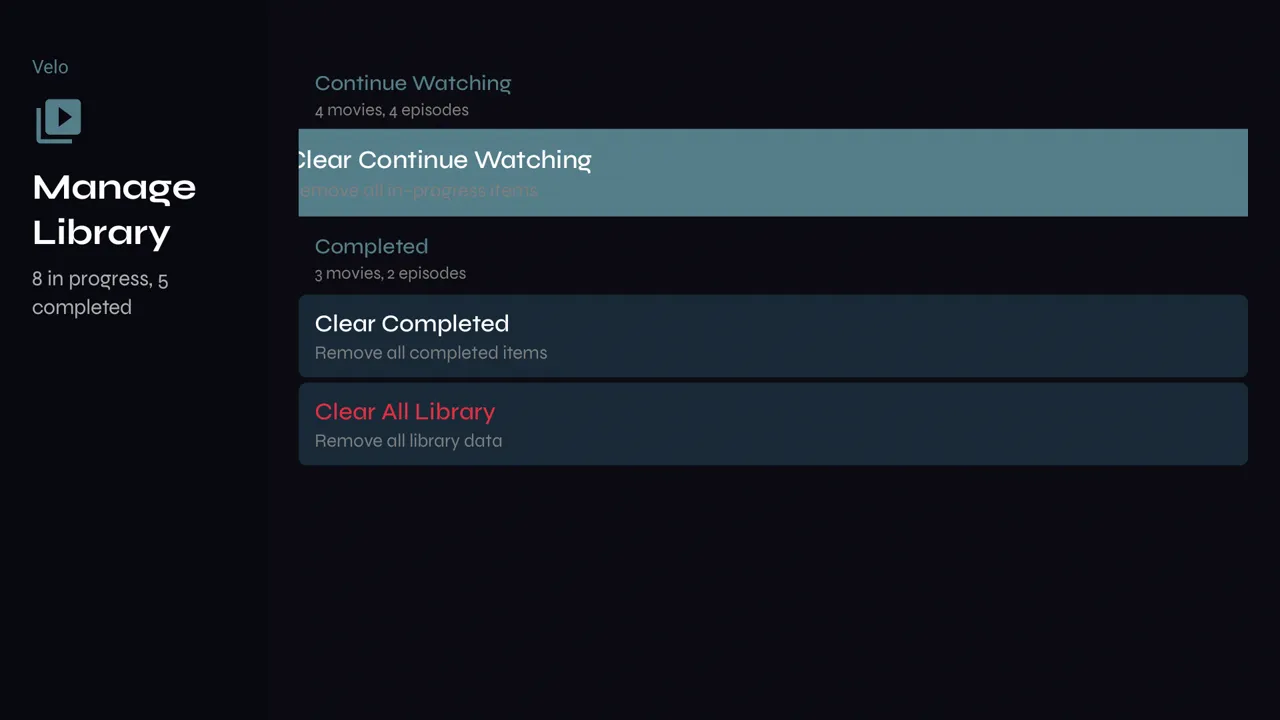
1Settings → Content & Library → Manage Library shows how many titles are in progress and finished, and clears Continue Watching, the Completed list, or both with Clear All Library. Saved for Later is left alone.