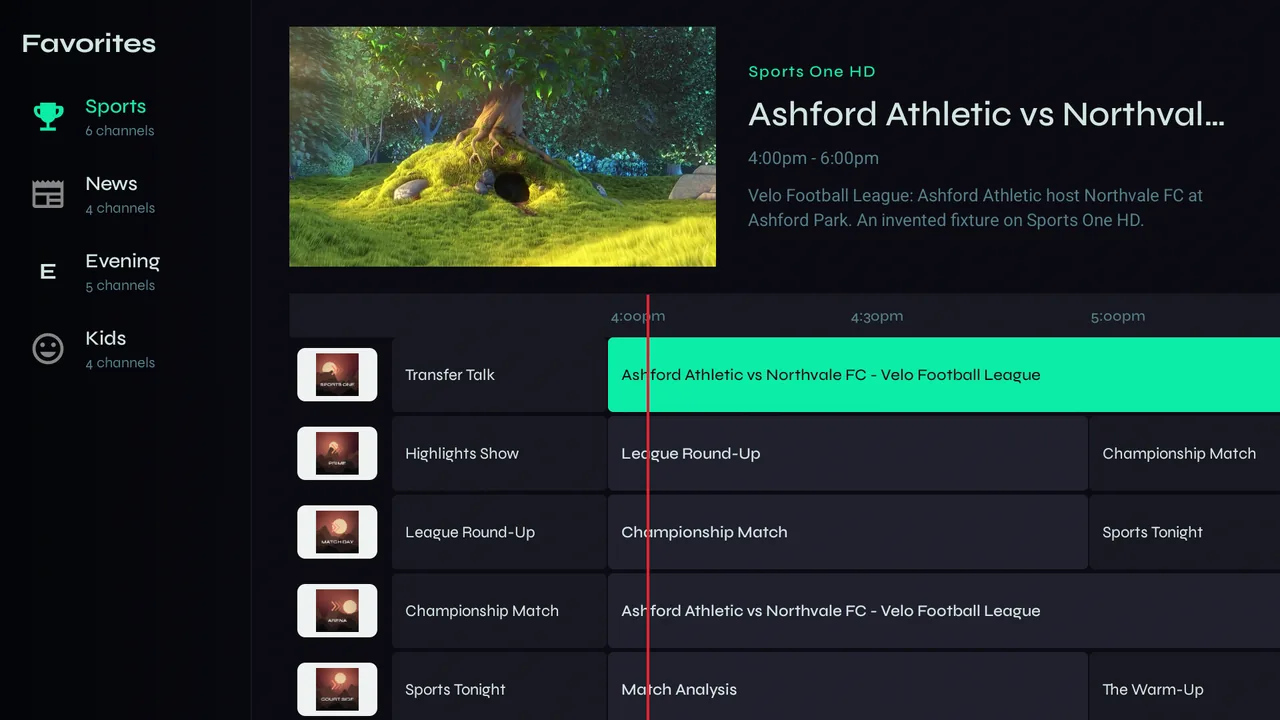
A TV-guide grid of what's on now and next, with the highlighted channel playing in the corner.
Opening the guide
-
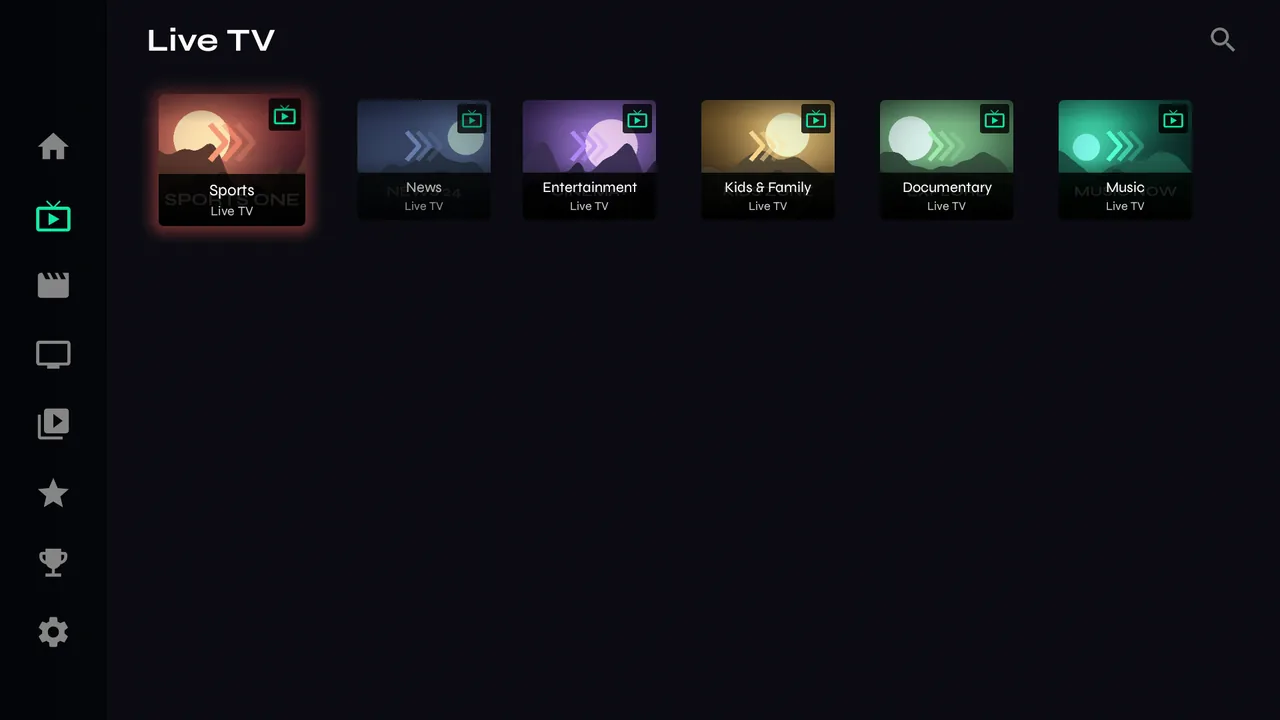
1Open a favourites folder, or a Live TV category with the small guide icon — that icon means the category has program information.
-
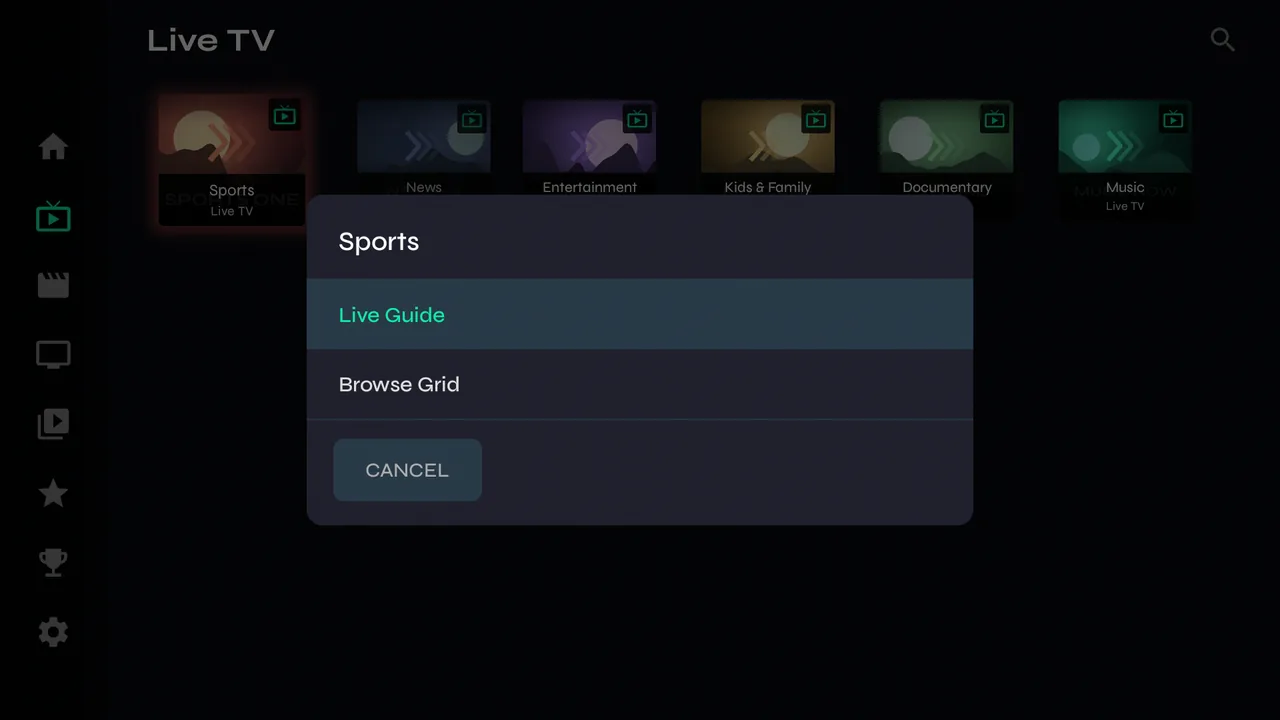
2Velo asks how you want to see it: Live Guide or Browse Grid. To stop it asking, set Favorites Default View and Live TV Category View in Settings → Playback & Display.
Reading it
-
1Channels run down the left and time across the top, with a red line at now. The highlighted channel plays in the corner with its sound, and the programme's details sit beside it.
-
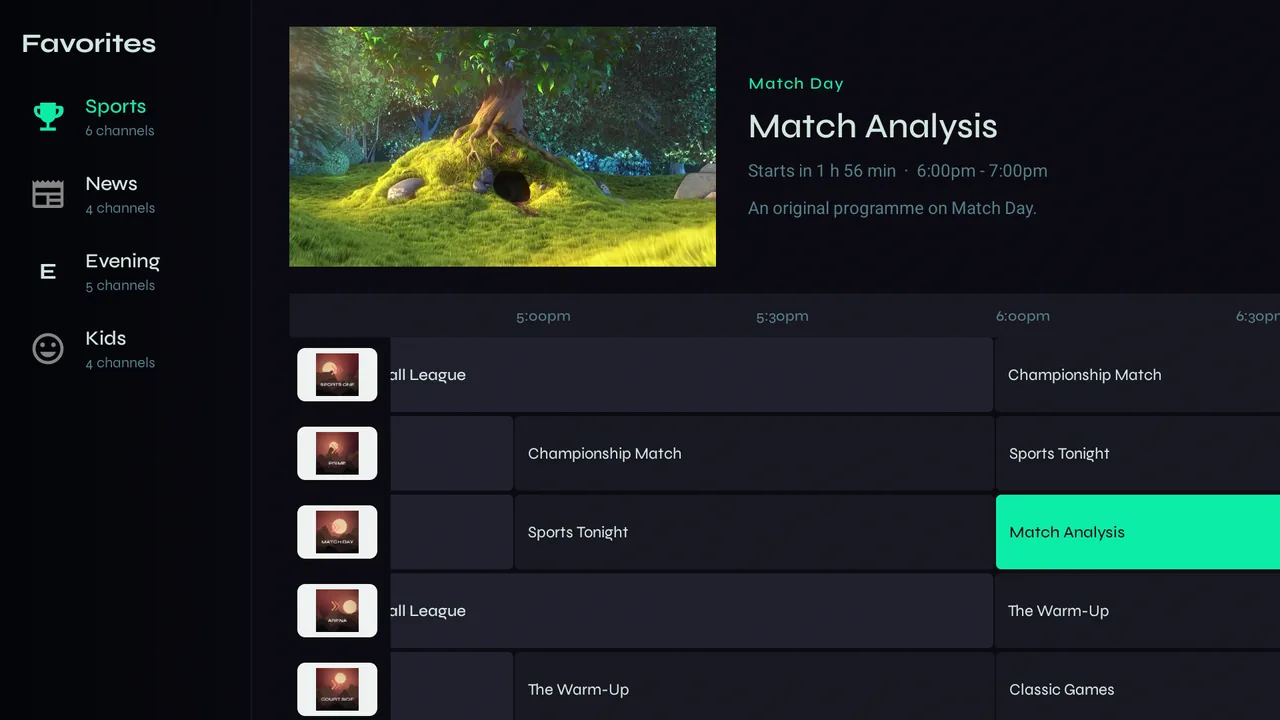
2Move right to step through what's coming up, one programme at a time; the details say when each one starts. In a long list, a teal bar on the right edge shows where you are.
-
3Press OK to watch full screen. Hold OK for the channel's menu — see Organising favourites.
Guides for more channels
-
1Providers sometimes leave a channel without a guide, or give it another station's. Velo matches those channels to the right guide itself — by call sign, by name, and by other copies of the same channel in your lineup. It only ever uses your provider's own guide.
-
2Event and pay-per-view channels often have no listing at all, just a name that changes with the event. The guide shows what that name says is on, and when, if the name gives a time.