Keep favourites, history and settings the same on every device you use Velo on.
Connect
-
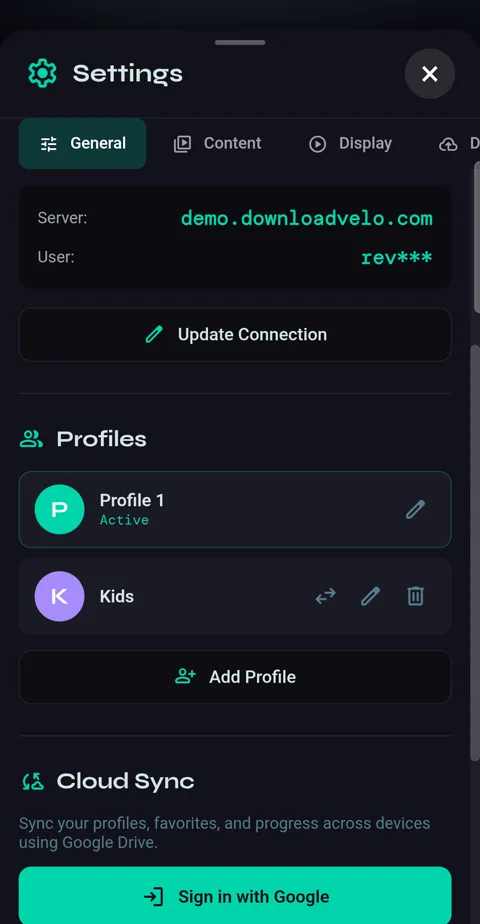
1Settings → General → Cloud Sync → Sign in with Google, then choose your account and allow access. Velo can only see the files it creates in your Drive.
How it behaves
-
1Velo fetches the latest when it opens and saves when you leave. Changes merge: a favourite added on the phone appears on the TV, and a folder reordered on the TV reorders on the phone.
-
2Sync Now, in the same place once you're connected, does both straight away. Your provider login, recordings and downloads never sync — they belong to the device.
Disconnect
-
1Settings → General → Cloud Sync → Disconnect. The phone keeps its data and stops syncing.