Download movies and episodes to watch with no connection at all.
Download something
-
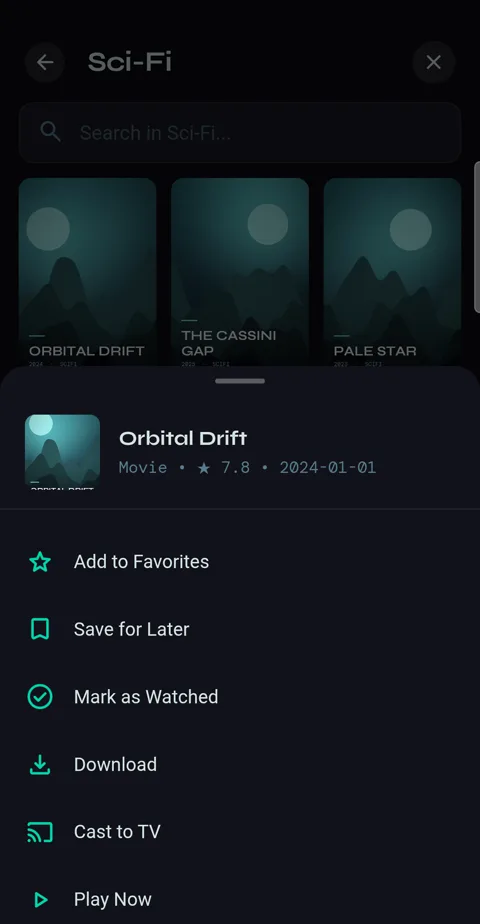
1Press and hold a movie and tap Download. While watching, the download button under the picture does the same.
-
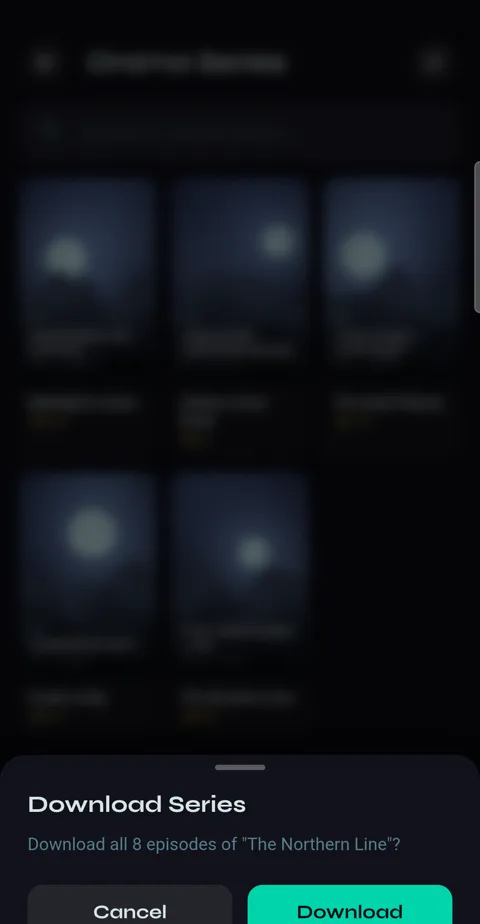
2Press and hold a series for Download Series. Velo says how many episodes that is before it starts.
-
3Downloads run one at a time, and pause while you watch something, so they never compete with playback for your provider's connection.
Watching offline
-
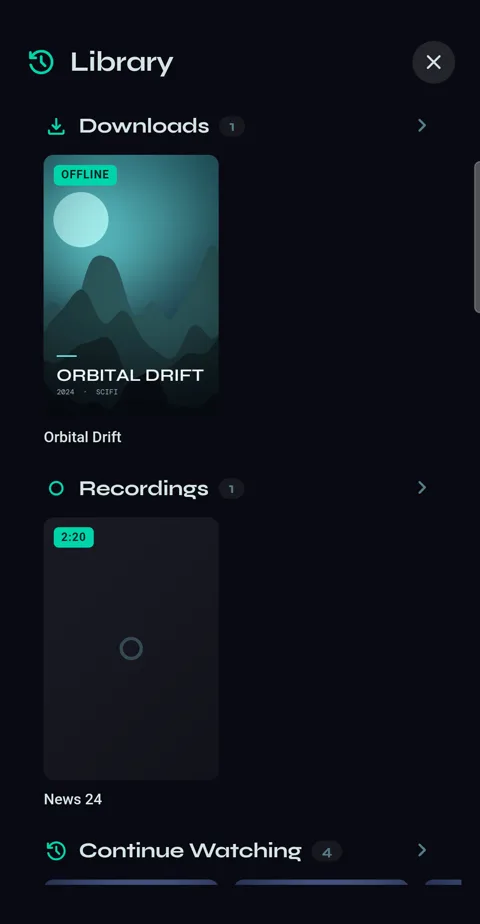
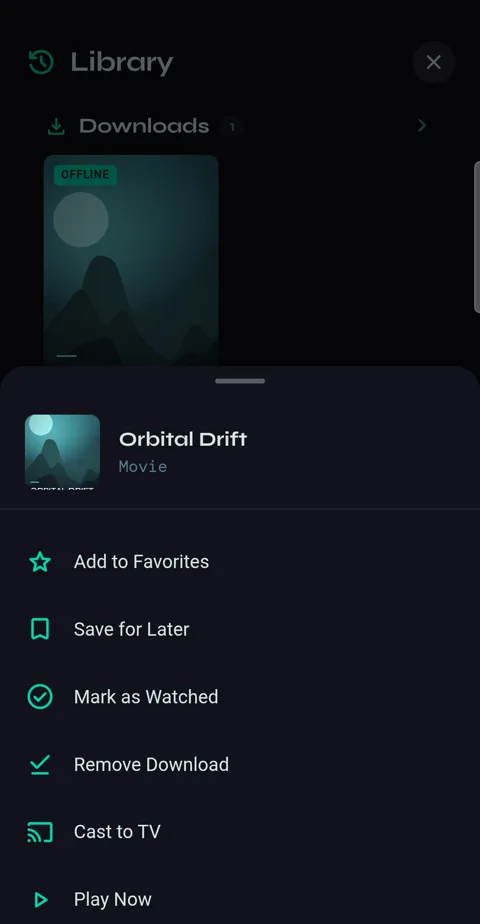
1Library → Downloads. Everything marked OFFLINE plays with no internet at all, and a series' episodes collect in one folder.
-
2Press and hold a download for Remove Download.
Storage
-
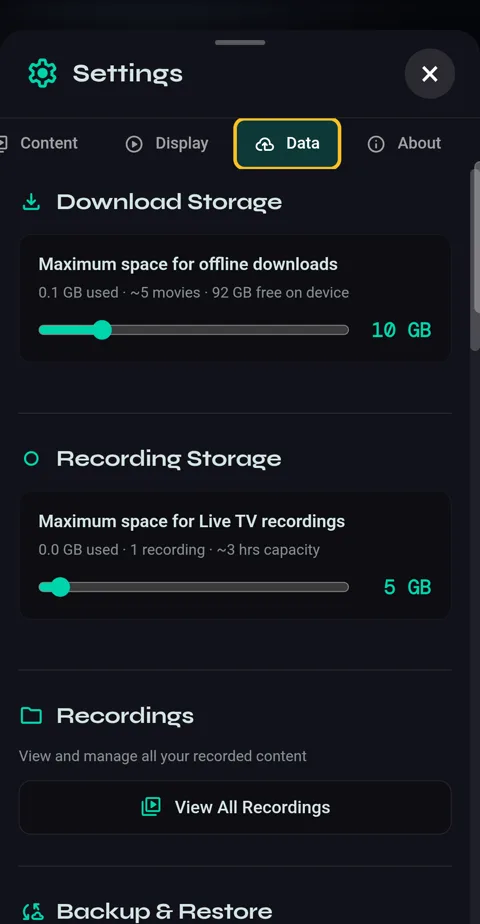
1Settings → Data → Download Storage sets the space, with roughly how many movies fit. Downloads are never deleted to make room — when it's full, new ones wait until you remove something.