Sign in to your provider, let Velo build its library, and find your way around.
Sign in
Velo is a player. It shows the channels, movies and series from an IPTV service you already subscribe to, so the first thing it needs is that service's login.
-
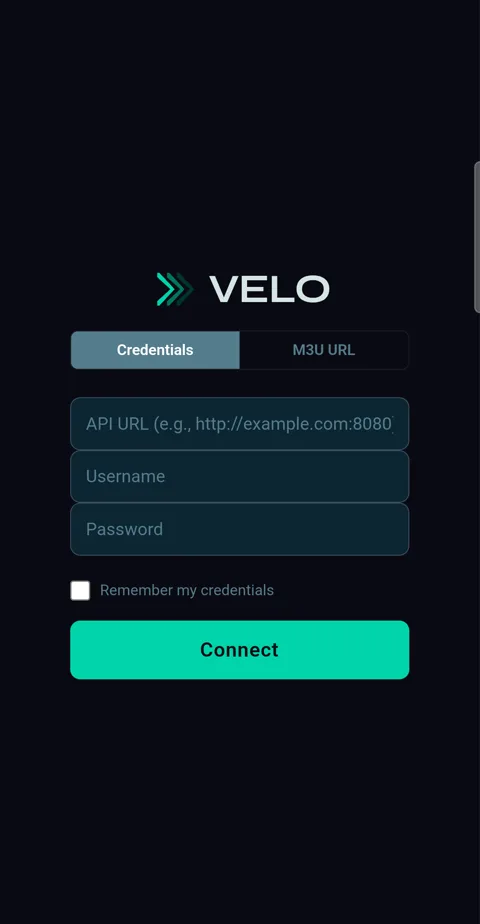
1Open Velo. Enter your provider's server address, username and password — or tap M3U URL and paste a playlist link — then tap Connect. Tick Remember my credentials so you only do it once.
Getting things ready
-
1The first time, Velo downloads your provider's channels, movies, series and program guide before you start, so nothing is missing later. A large provider takes a few minutes, and it only happens once.
Finding your way around
-
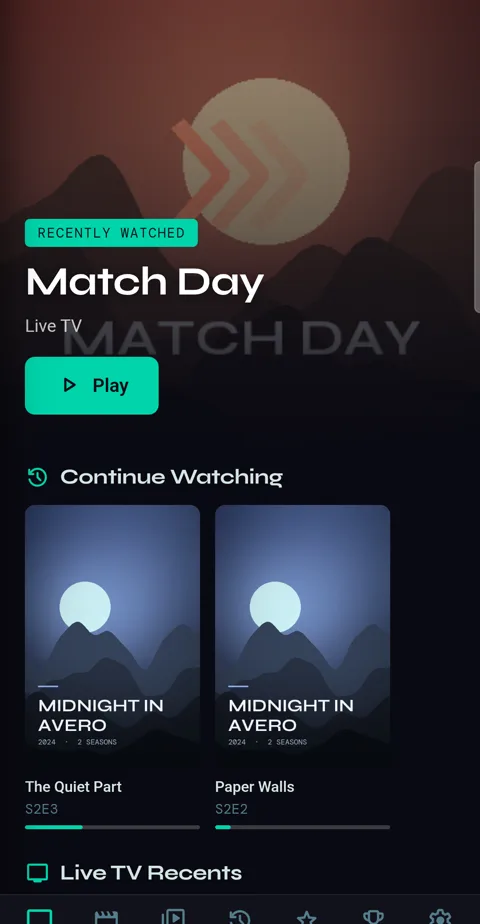
1Home shows what you've been watching: the live channels, series and movies you're partway through, and Saved for Later. New Episodes appears when a show you follow has one, and Fresh Arrivals shows well-rated movies your provider added this month.
-
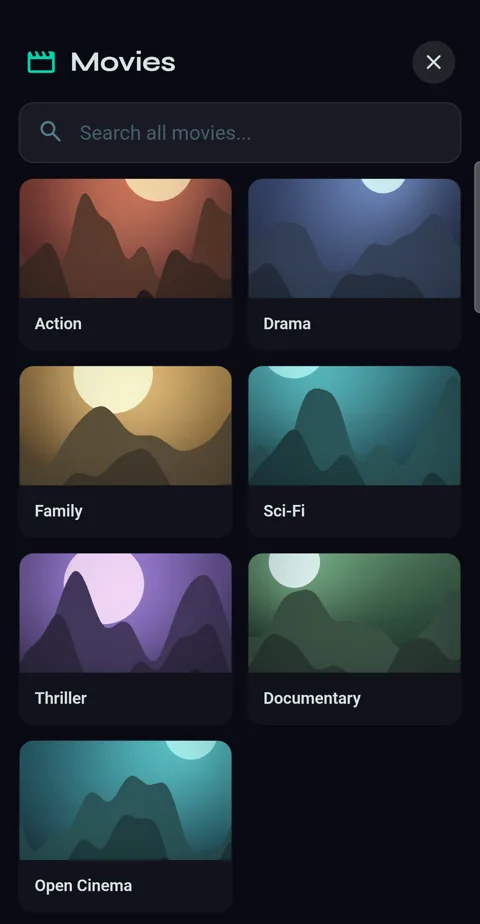
2The bar along the bottom holds Live TV, Movies, Series, Library, Favorites, Sports and Settings. Each opens as a page over Home: tap a category to open it, ← to go back a step and ✕ to close the page. Your phone's Back works too.
-
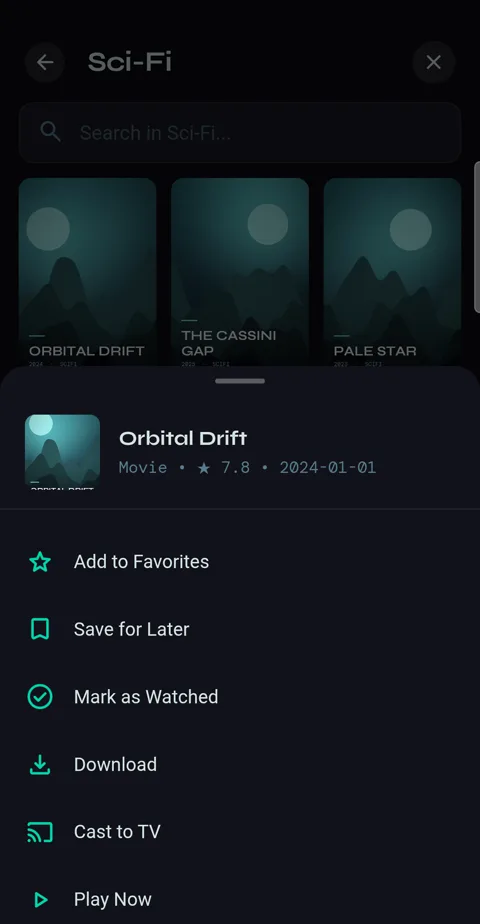
3Press and hold any tile for its menu: add to favourites, save for later, download, follow and more. Almost every action in Velo lives behind a long press.