Record what you're watching to the phone, and rewind live channels.
Record now
-
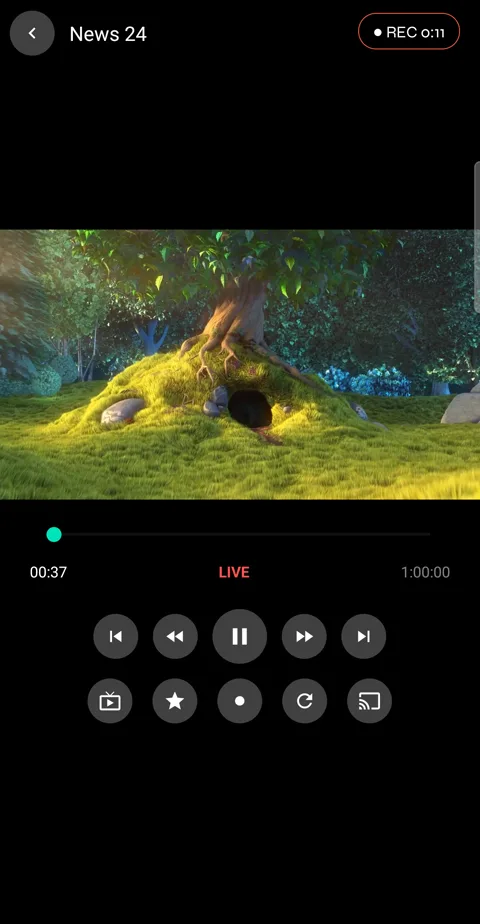
1While a live channel plays, tap the round Record button in the second row. A REC badge at the top right counts the time. Tap Record again to stop.
-
2Recording uses the stream you're already watching, so it doesn't count as a second connection at your provider.
Rewind live
-
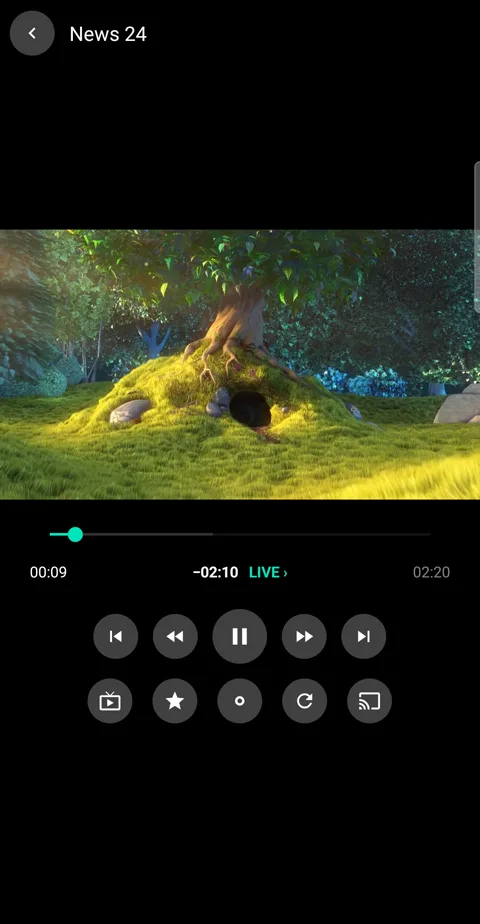
1Tap rewind to go back through what has aired since you tuned in; each tap goes further. How far you are behind shows under the picture, and LIVE › takes you back to now.
-
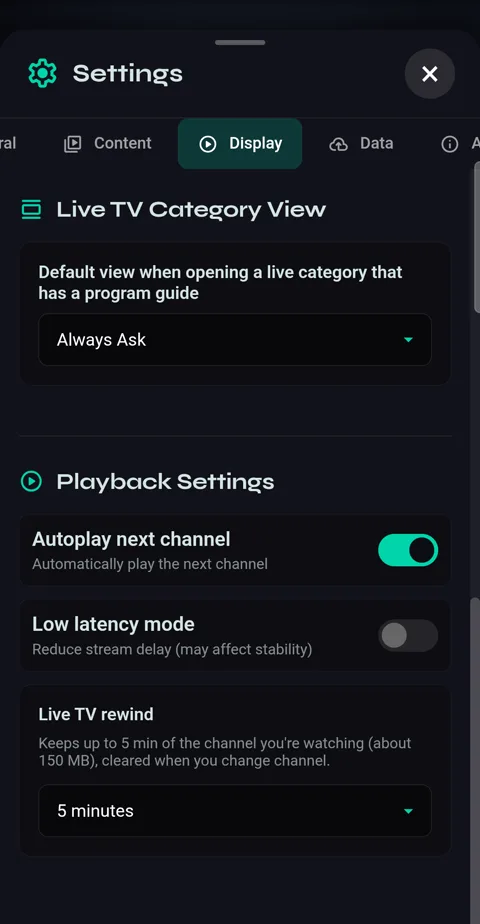
2How far back you can go is set in Settings → Display → Live TV rewind.
Your recordings
-
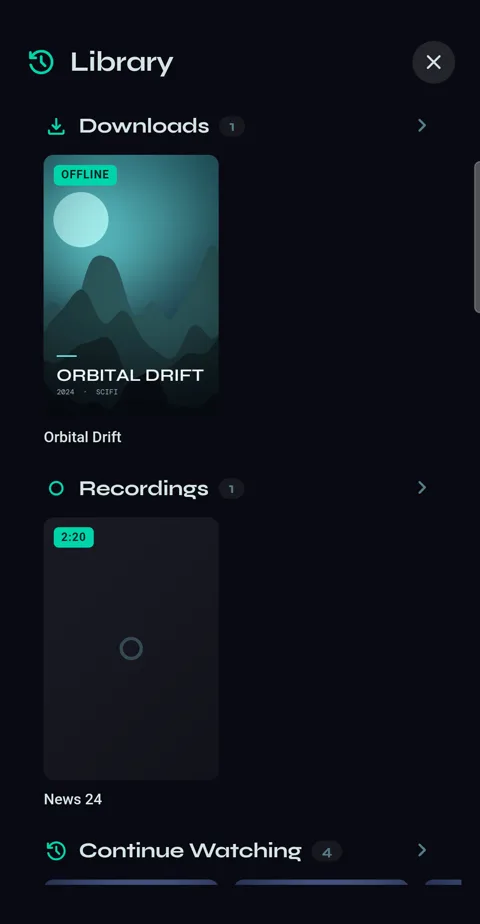
1Library → Recordings. Tap one to watch it.
-
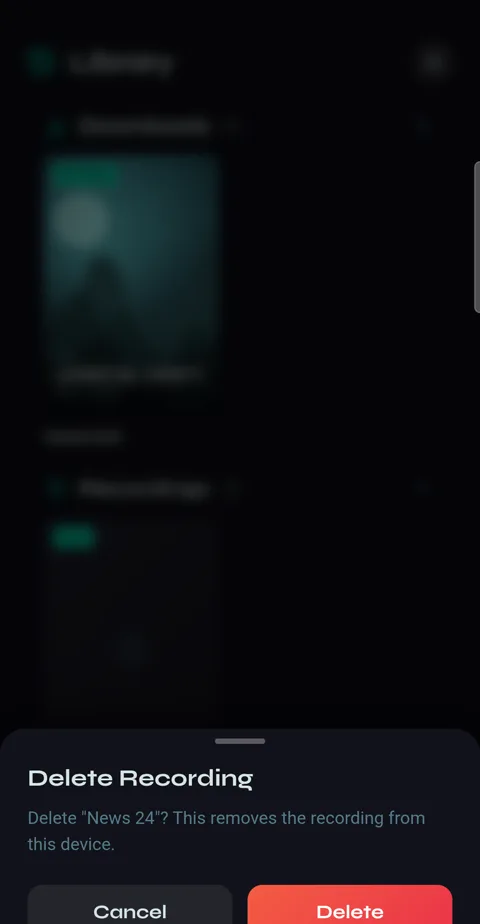
2Press and hold a recording to delete it from the phone.
-
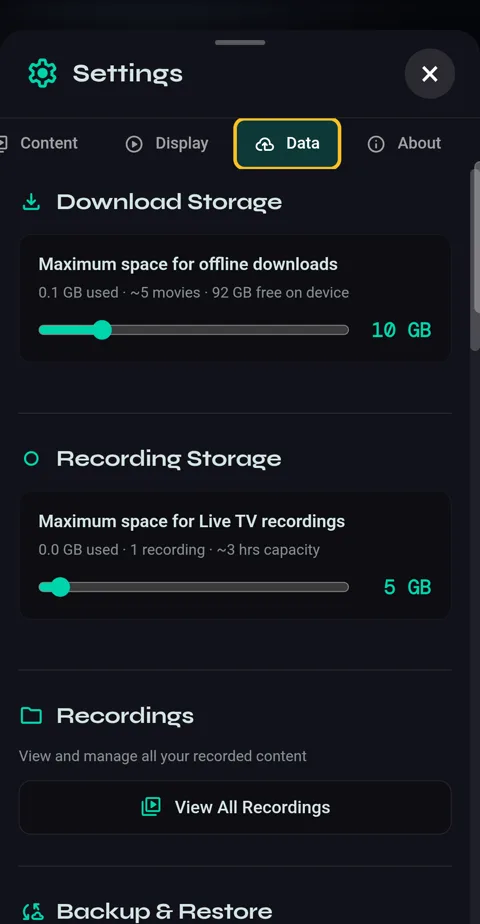
3Settings → Data → Recording Storage sets how much space recordings may use. When it's full, the oldest go first.