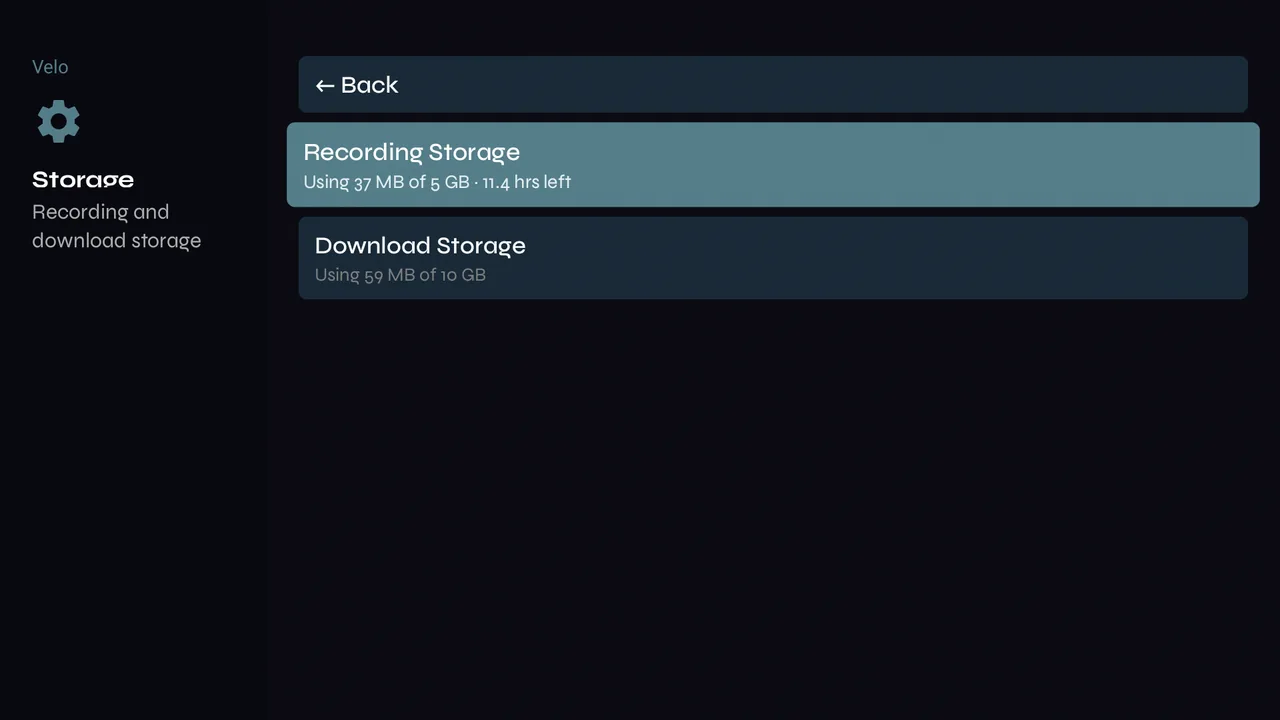
Record what you're watching to the device, and rewind live channels.
Record now
-
1While watching a live channel, press OK for the controls and choose Record.
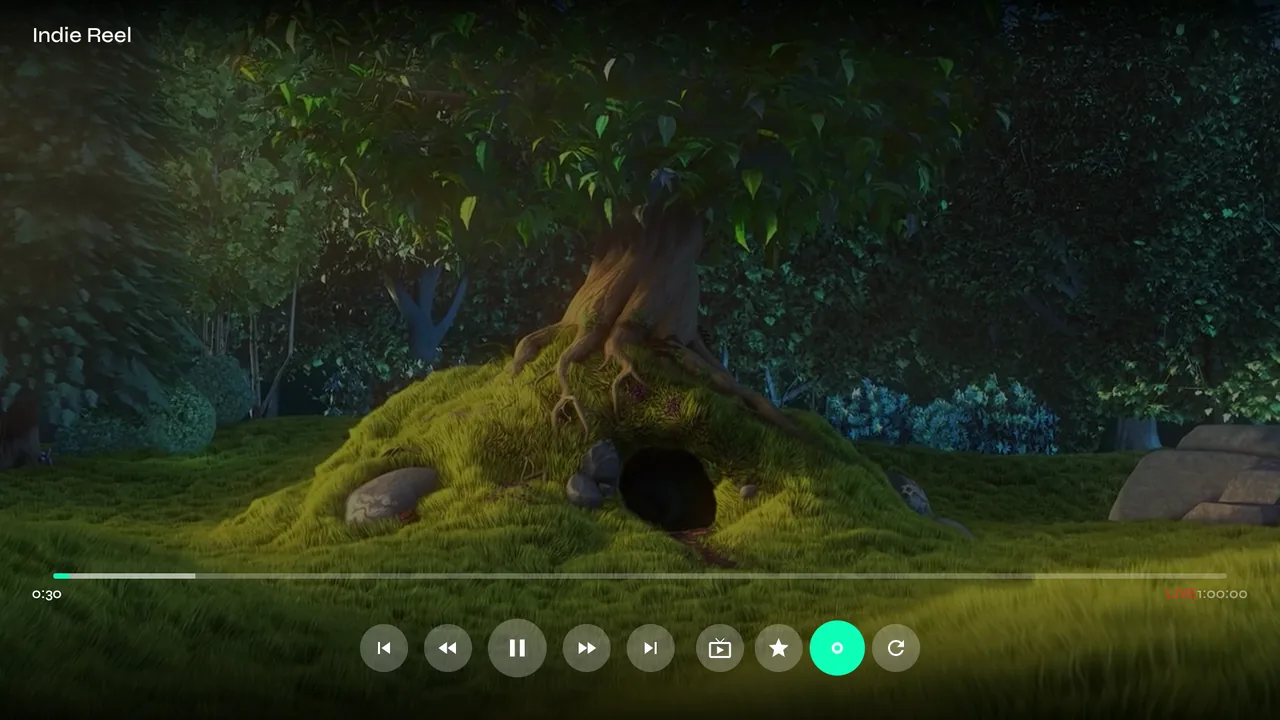
-
2A badge in the top-right corner shows REC and the time…
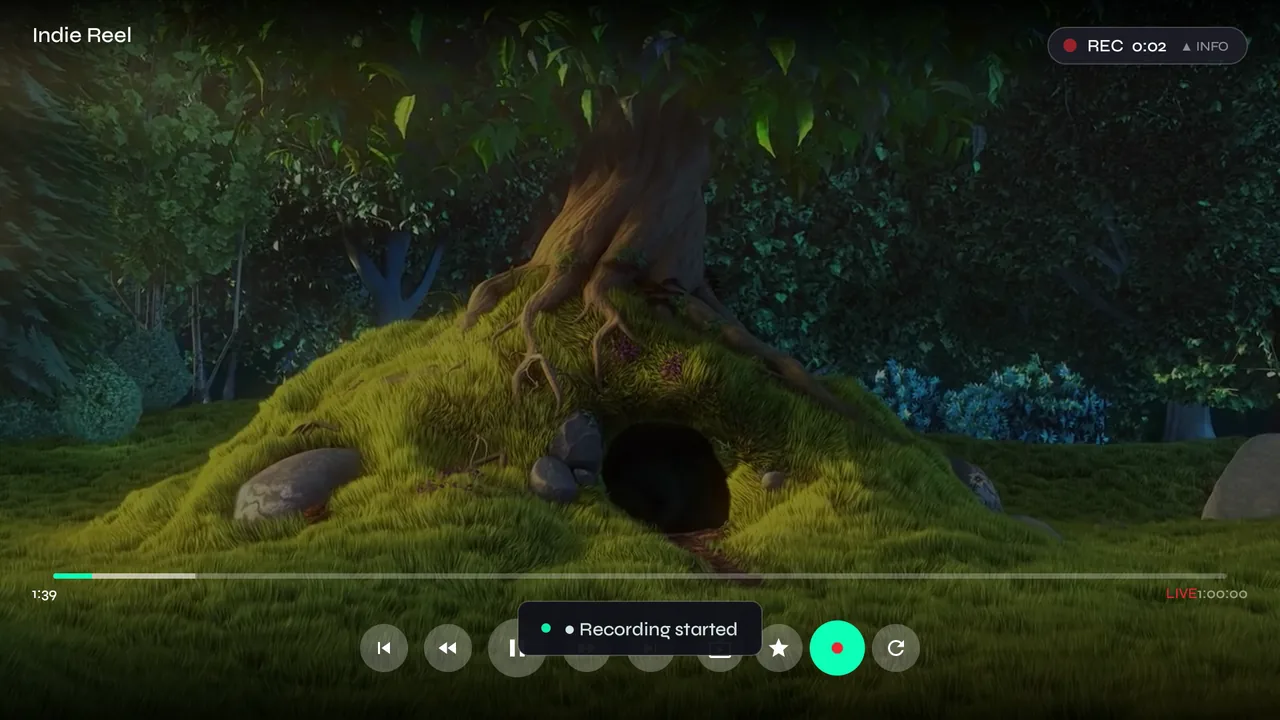
-
3…then shrinks to a red dot so it stays out of the way.

-
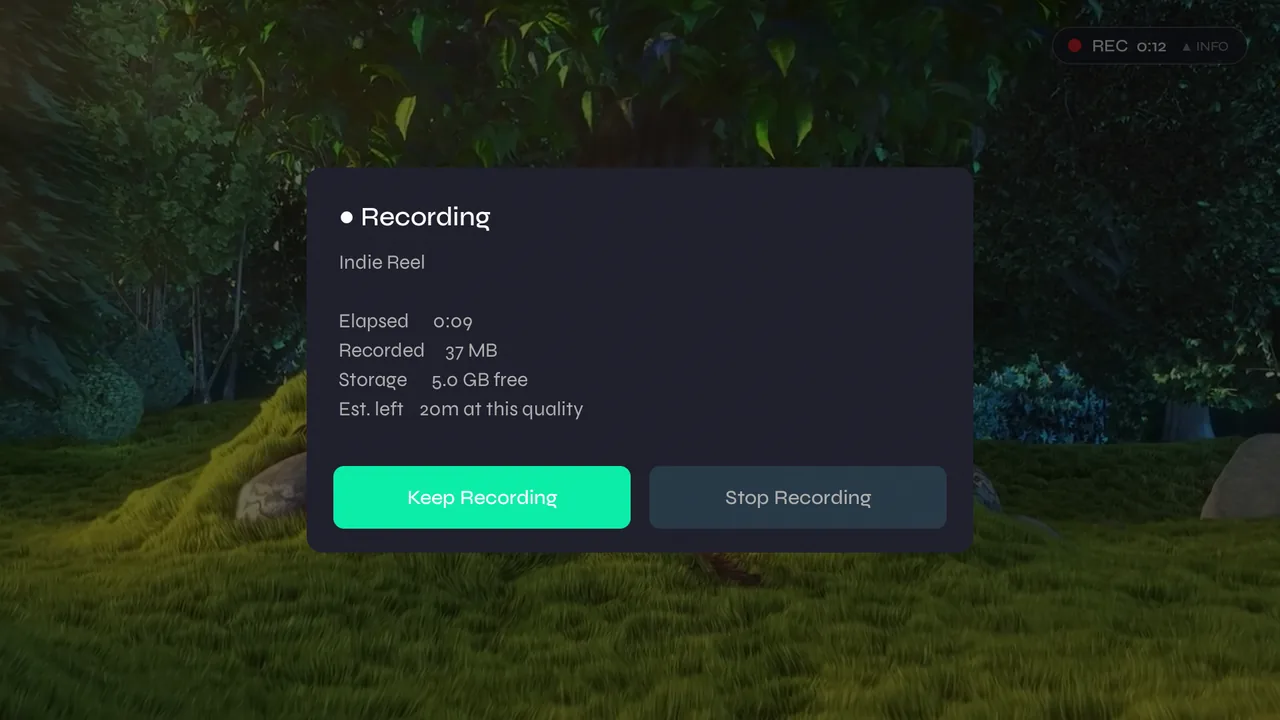
4Press up while it records for the details — how long, how much space it has used, how much is left — with Keep Recording and Stop Recording. Leaving the channel stops the recording and keeps what you have.
-
5Recording uses the stream you're already watching, so it doesn't count as a second connection at your provider.
Rewind live
-
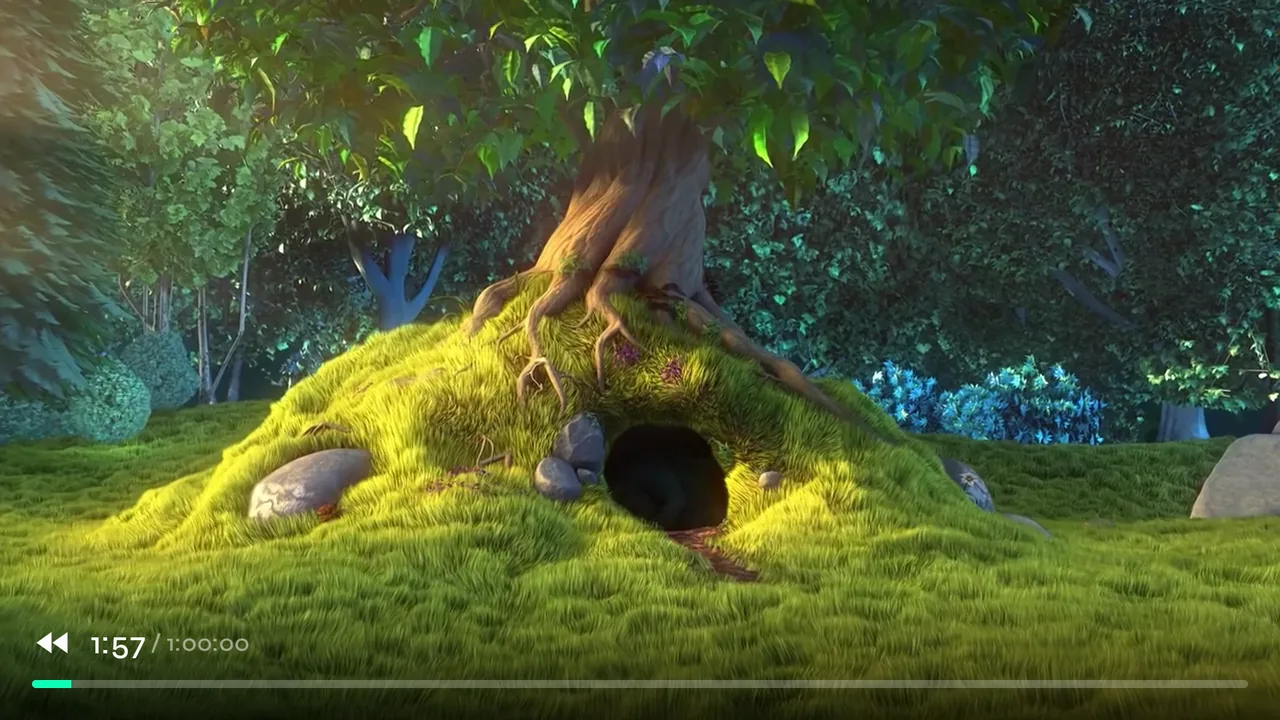
1With the controls hidden, press left to go back through what has already aired since you tuned in; each press goes further. Press right to come forward again.
-
2How far back you can go is set in Settings → Playback & Display → Timeshift Buffer.
-
3Going from live into what has already aired can pause for a moment. Seamless Live Rewind (beta), on the same page, plays live channels through Velo's own buffer so there's no pause. It's off until you turn it on while it's still being tested.
Your recordings
-
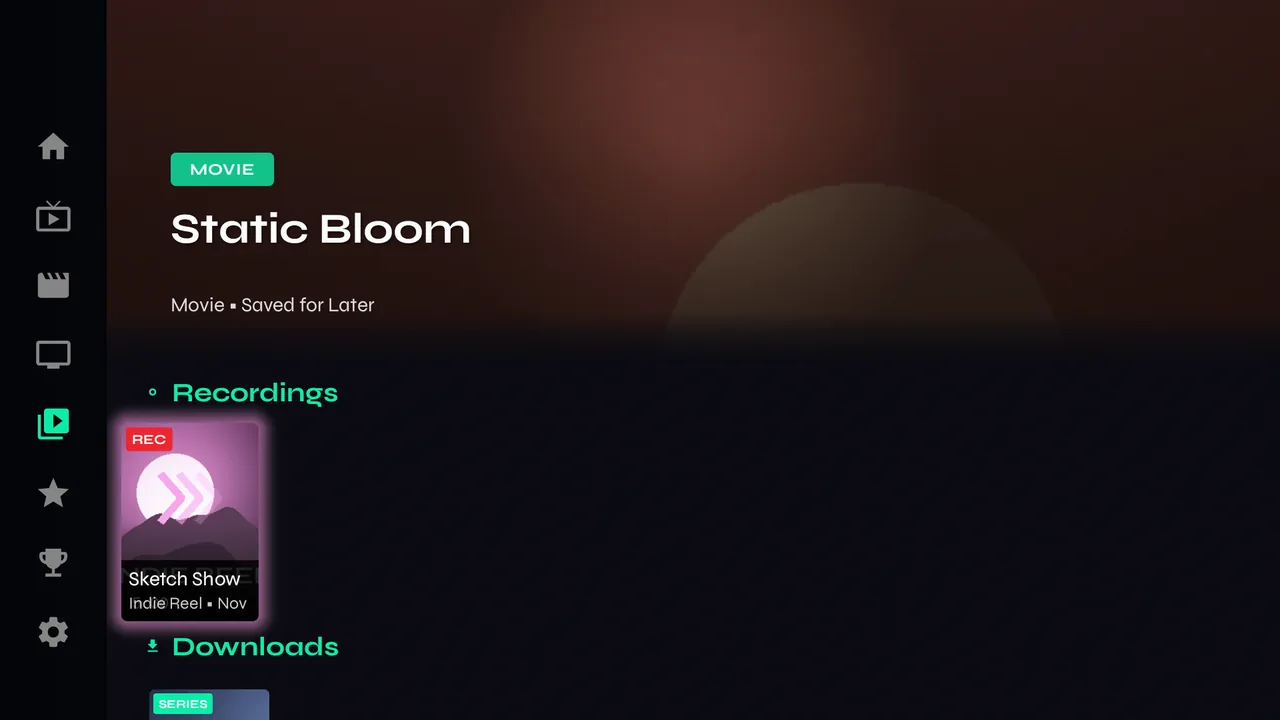
1Library → Recordings. Each is named after the programme that was on, with the channel and date, and plays like a movie. Hold OK on one and choose Delete to remove it from the device.
-
2Settings → Storage → Recording Storage sets how much space recordings may use. When it's full, the oldest go first.