Today's games from your own program guide: what's live, what's later, and which channels show them.
The Sports page
-
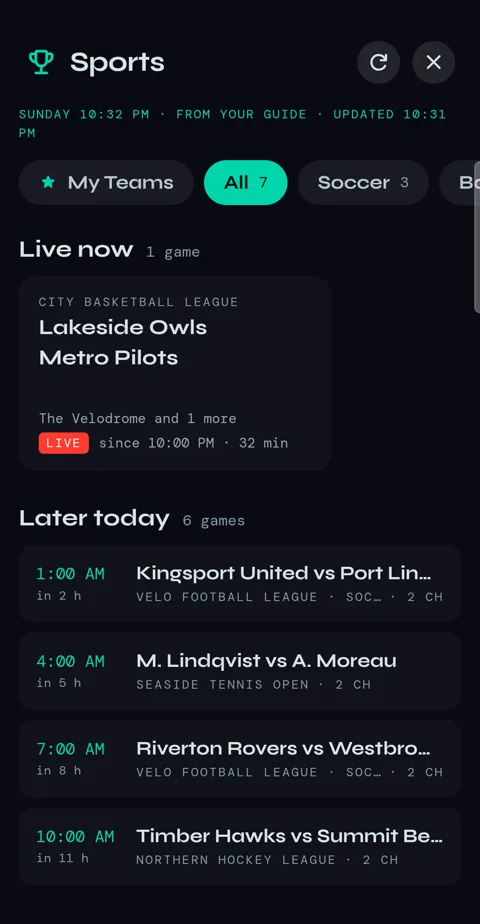
1Tap Sports in the bottom bar. Velo reads your provider's program guide and lists the games live now and on later today, with each sport along the top as a filter.
-
2Everything comes from your provider's guide. If a game isn't in it, Velo can't see it.
-
3The refresh button at the top reads your guide again. It also fetches your provider's live list when it's more than ten minutes old, and the guide itself on Wi-Fi.
A game
-
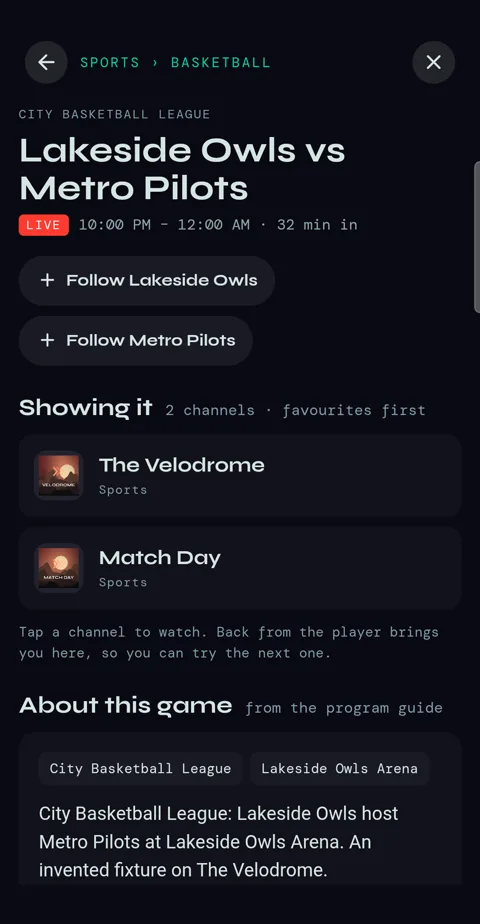
1Tap a game for every channel showing it — your favourite channels first — and what the guide says about it. Tap a channel to watch; Back brings you to the game again, so you can try the next one.
-
2Under the channels, Probably on lists channels whose guide shows the same competition without naming this game — often where it turns up when no listing names it.
My Teams
-
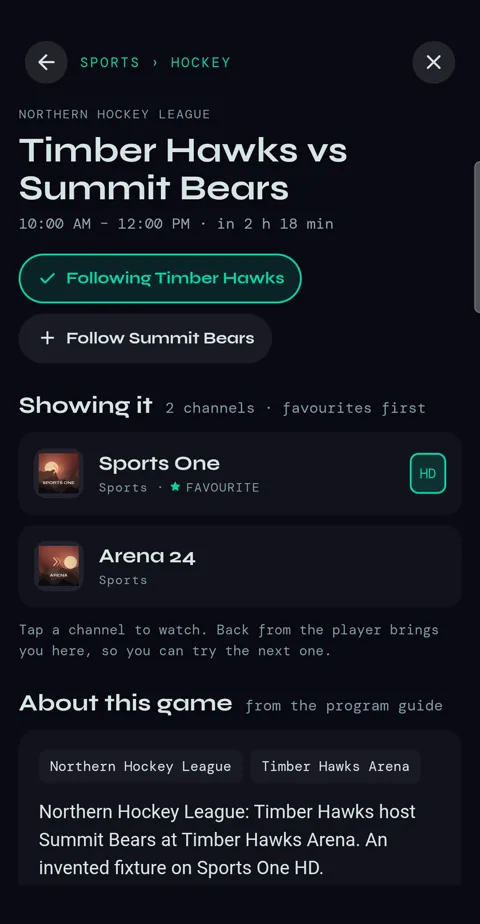
1On a game, tap + Follow next to a team.
-
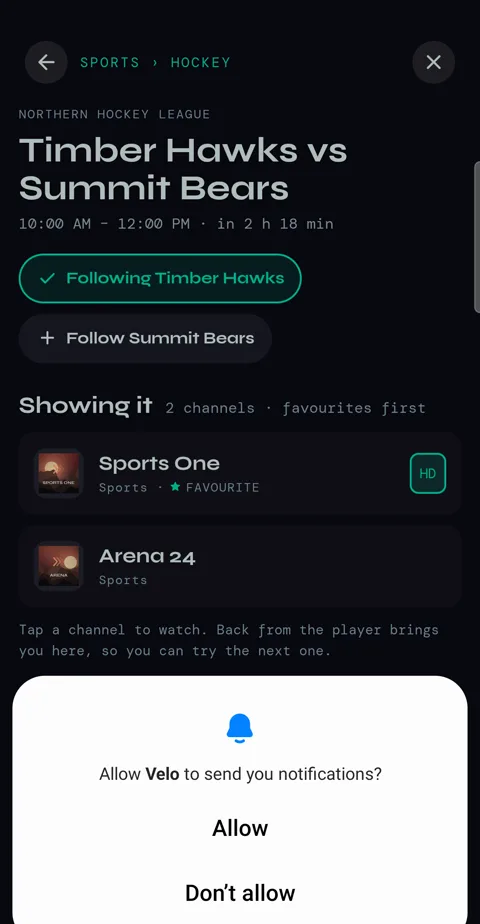
2The first time, your phone asks whether Velo may send notifications. Tap Allow — that's how Velo tells you about a kick-off while it's closed.
-
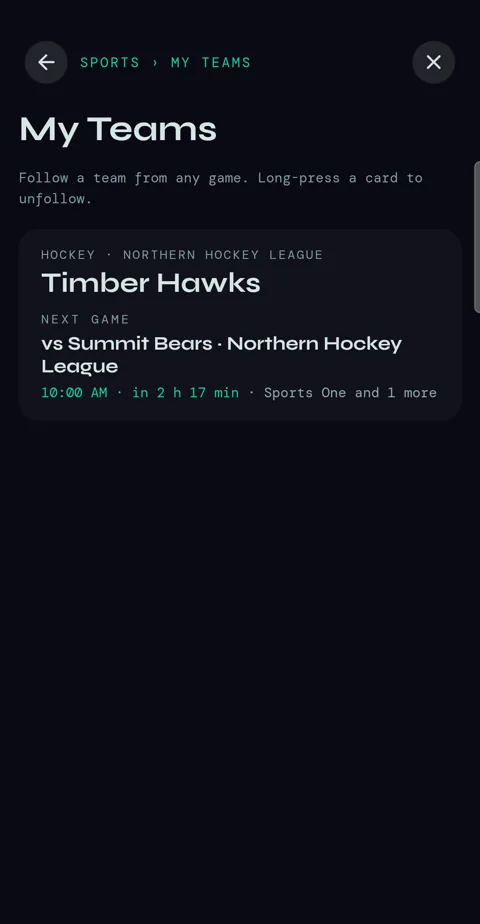
3★ My Teams at the top of Sports shows your teams and their next game, and Velo tells you when one kicks off. Press and hold a team to unfollow it.
-
4Not into sport? Settings → Display → Sports in the menu hides it. The teams you follow are kept.