Up to three profiles, each with its own favourites, history and follows.
Who's watching
-
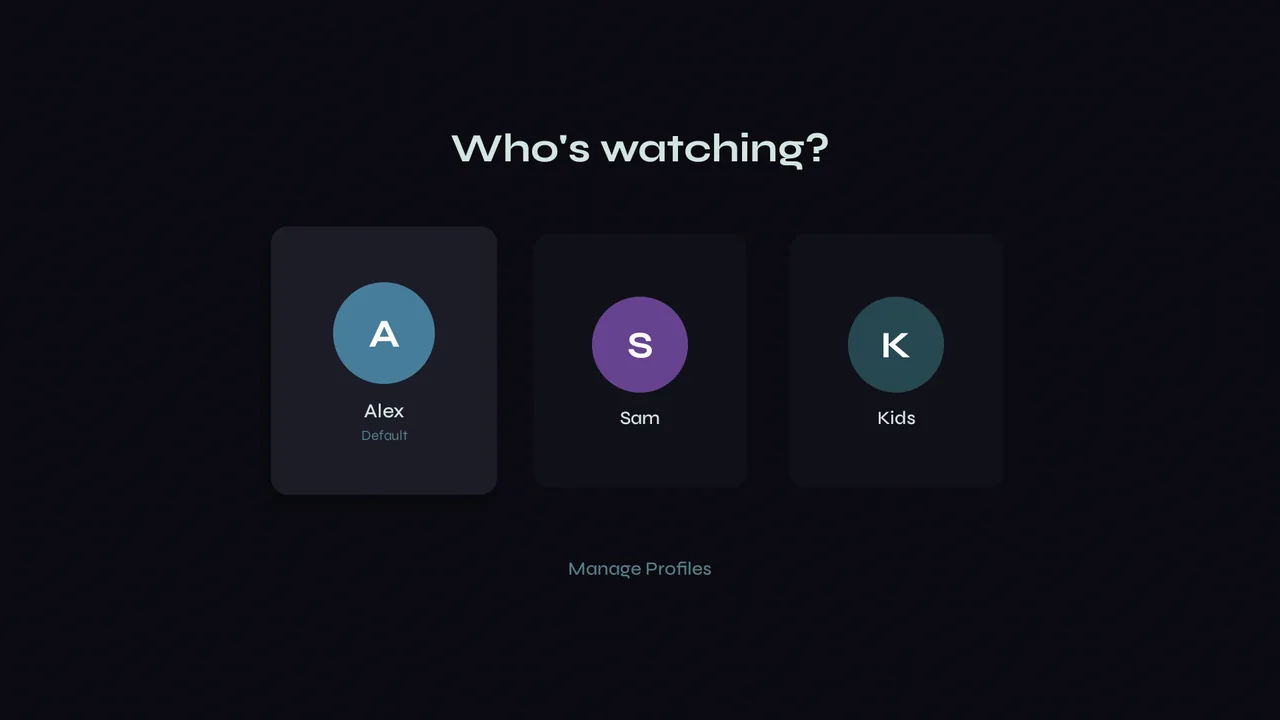
1With more than one profile, Velo asks who's watching when it opens. Pick yours.
Add or edit
-
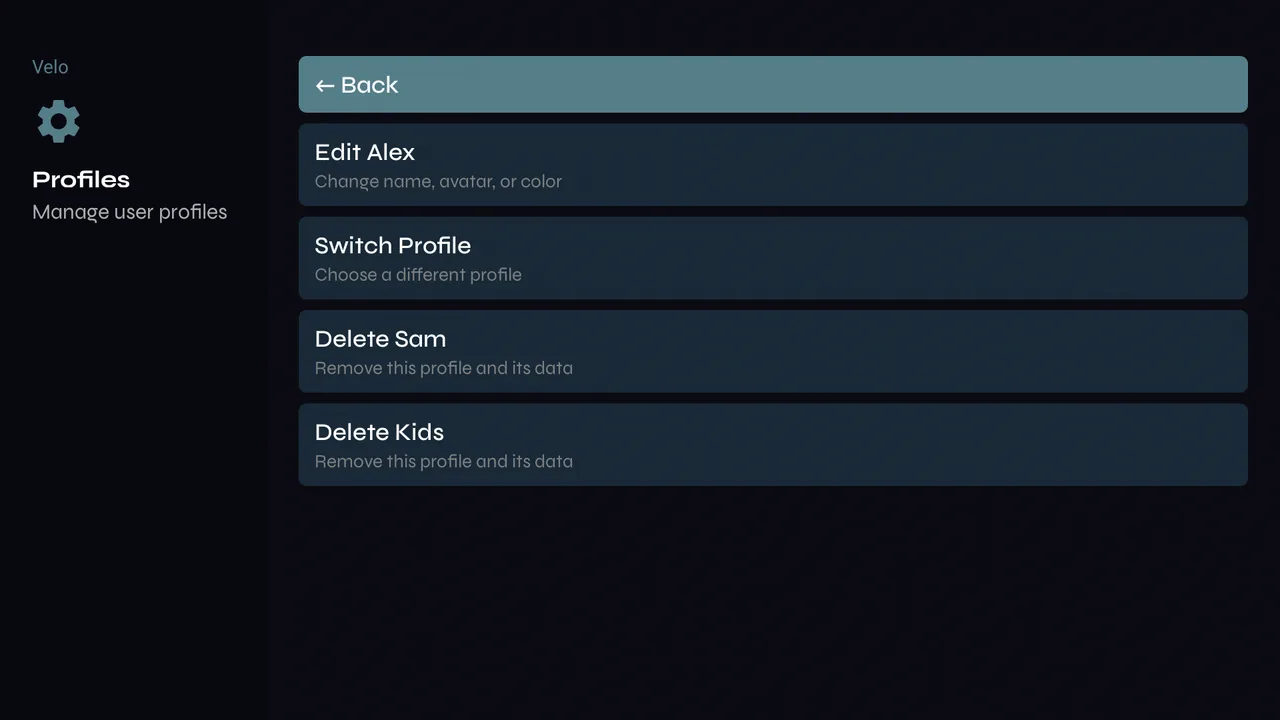
1Settings → Profiles. Edit changes a profile's name and colour; Add Profile makes another, up to three.
-
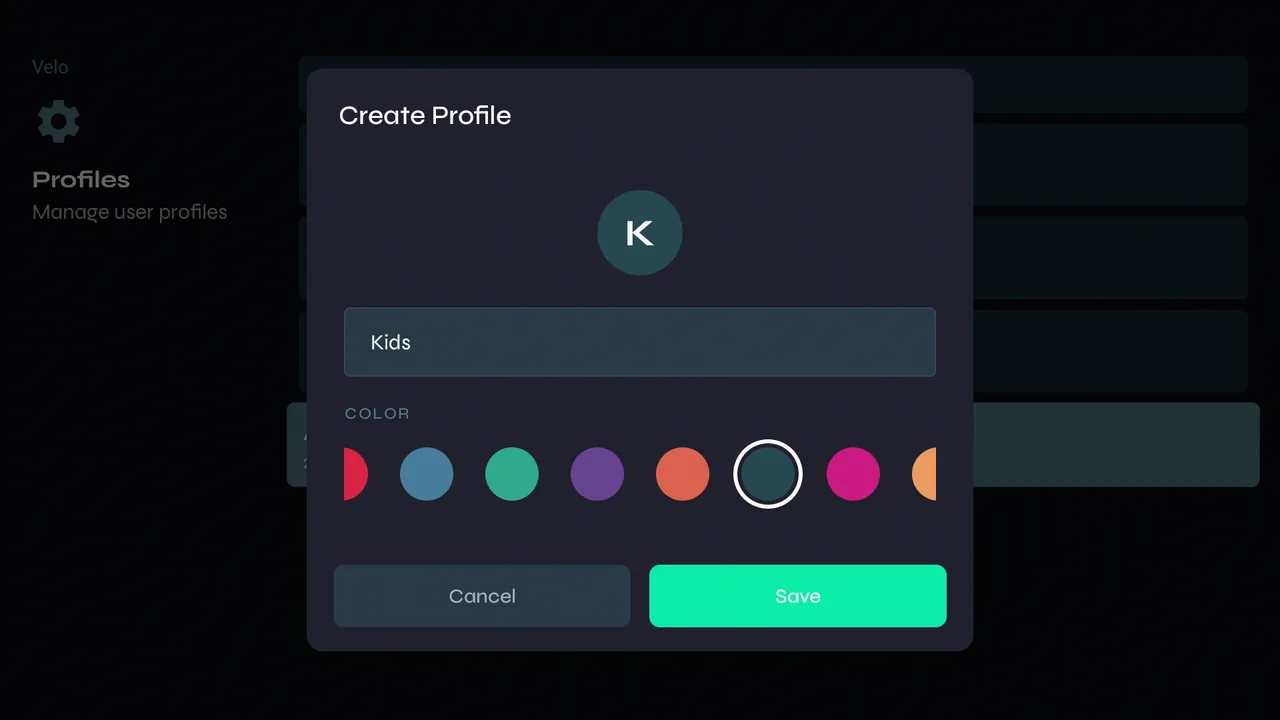
2Give it a name and pick a colour.
-
3Each profile keeps its own favourites, Continue Watching, saved items, followed series and downloads. Your provider login and hidden categories are shared by everyone.
Switching
-
1Settings → Profiles → Switch Profile, or pick another one the next time Velo opens.