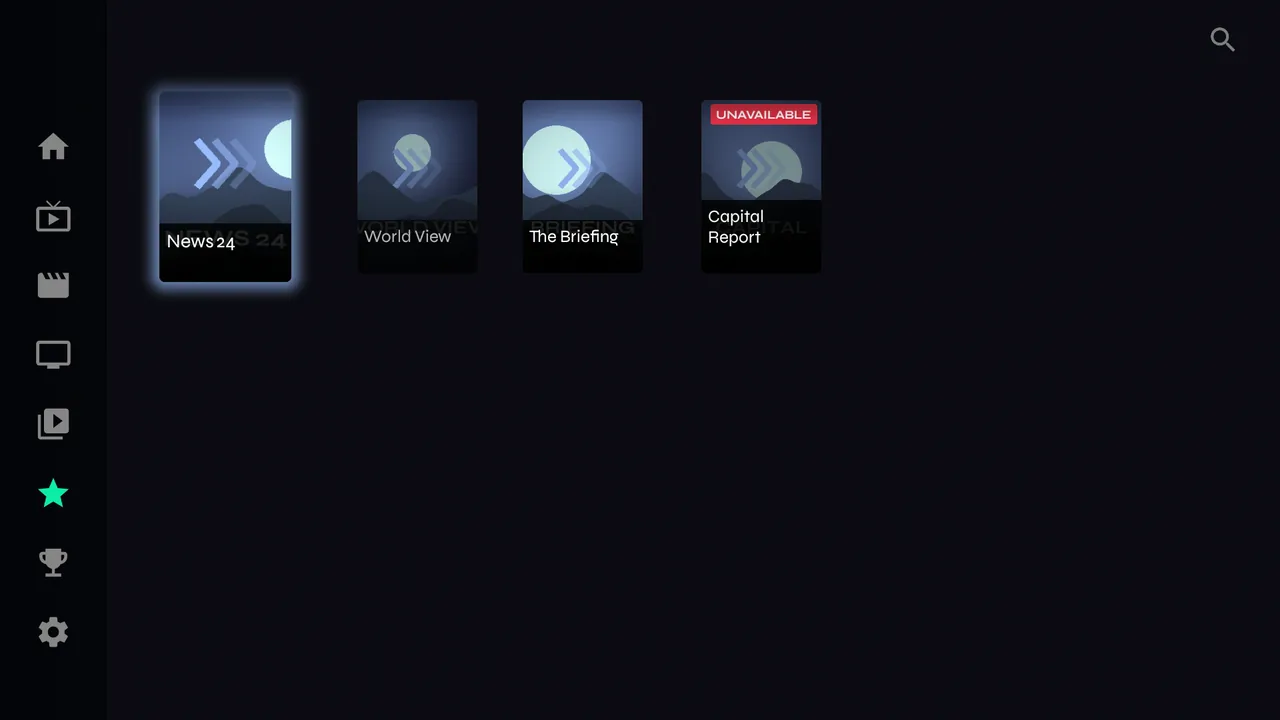
Put the channels you actually watch in one place, in folders you name yourself.
From a channel
-
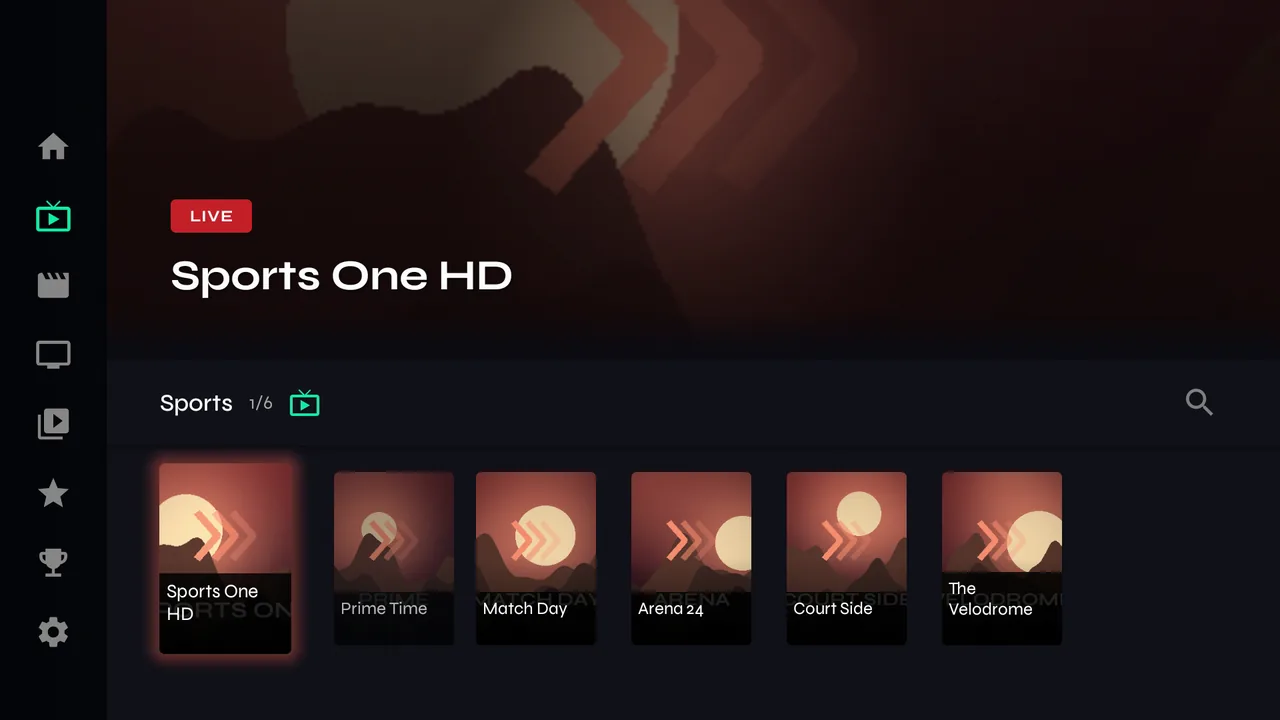
1Open Live TV and a category.
-
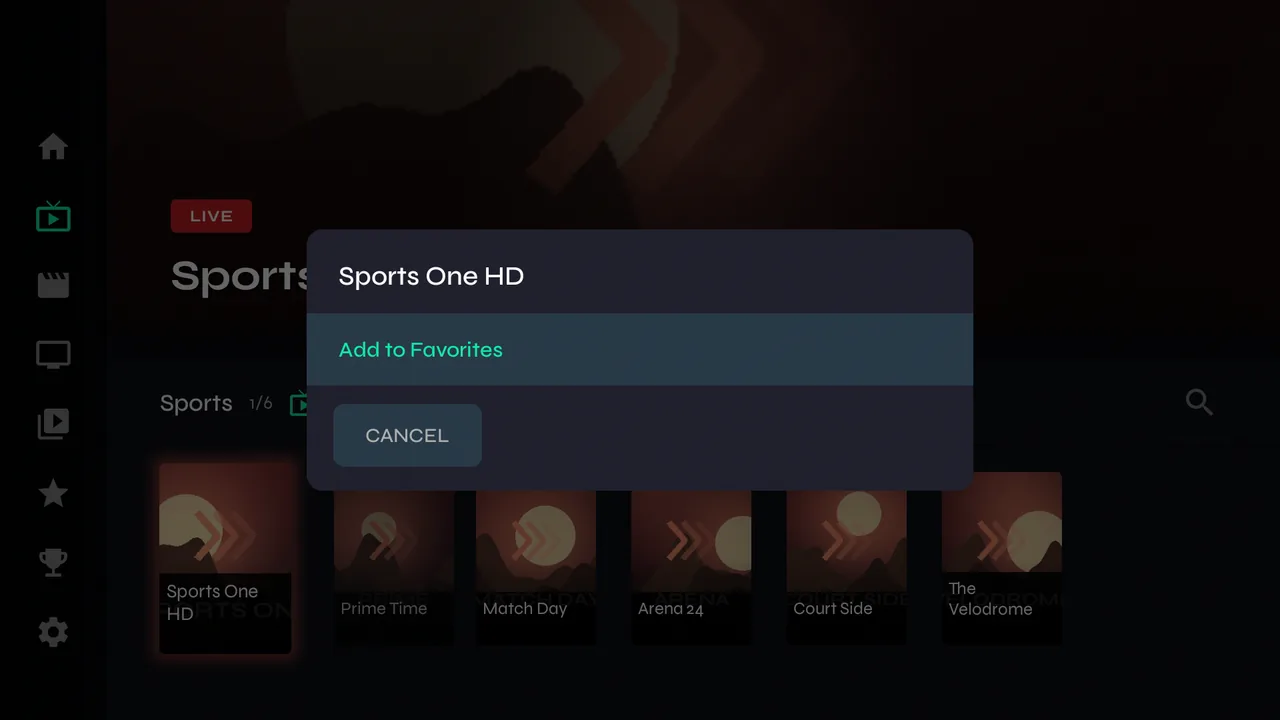
2Hold OK on a channel and choose Add to Favorites.
-
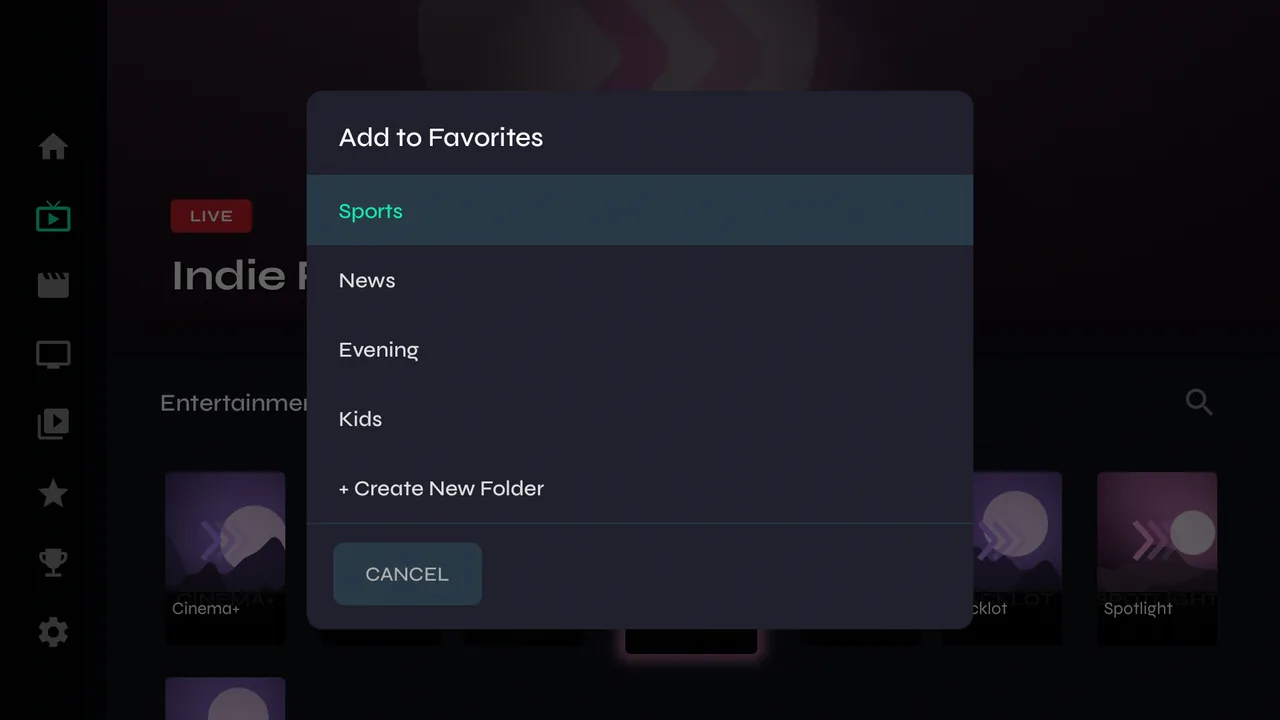
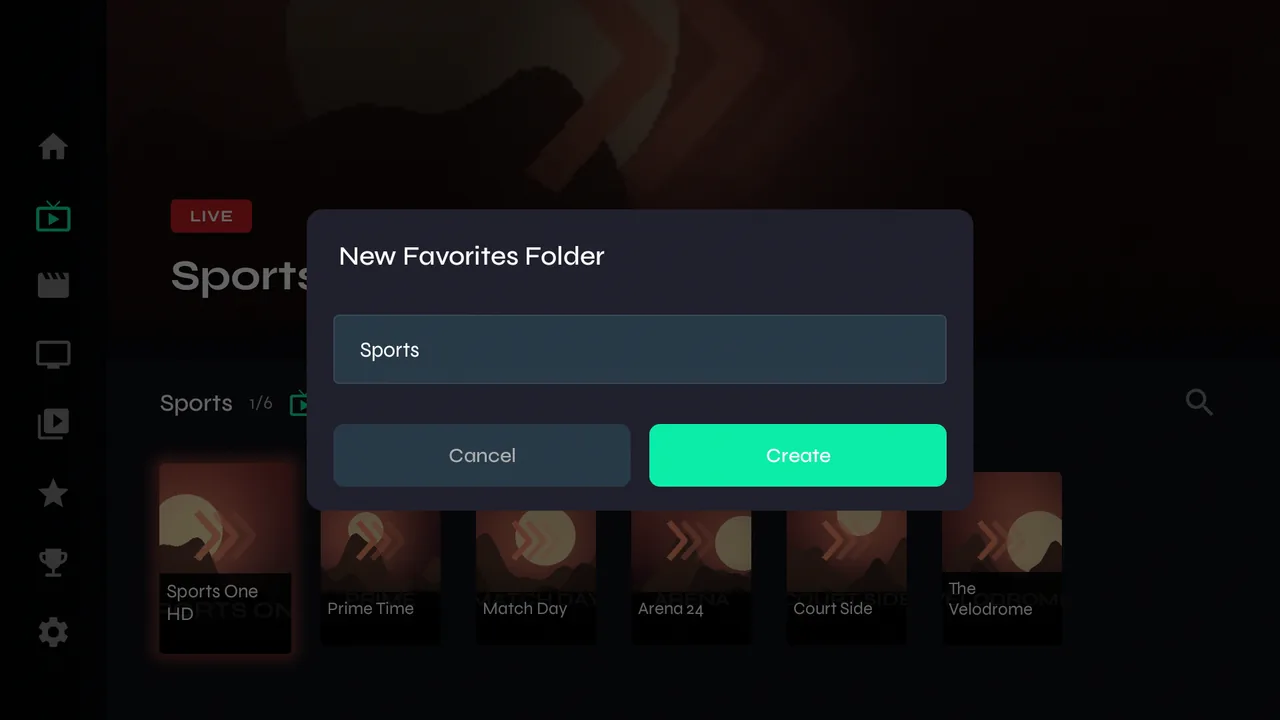
3Pick a folder, or choose + Create New Folder to start one.
-
4Name a new folder — Sports, News, Kids, whatever suits your household — and choose Create.
While watching
-
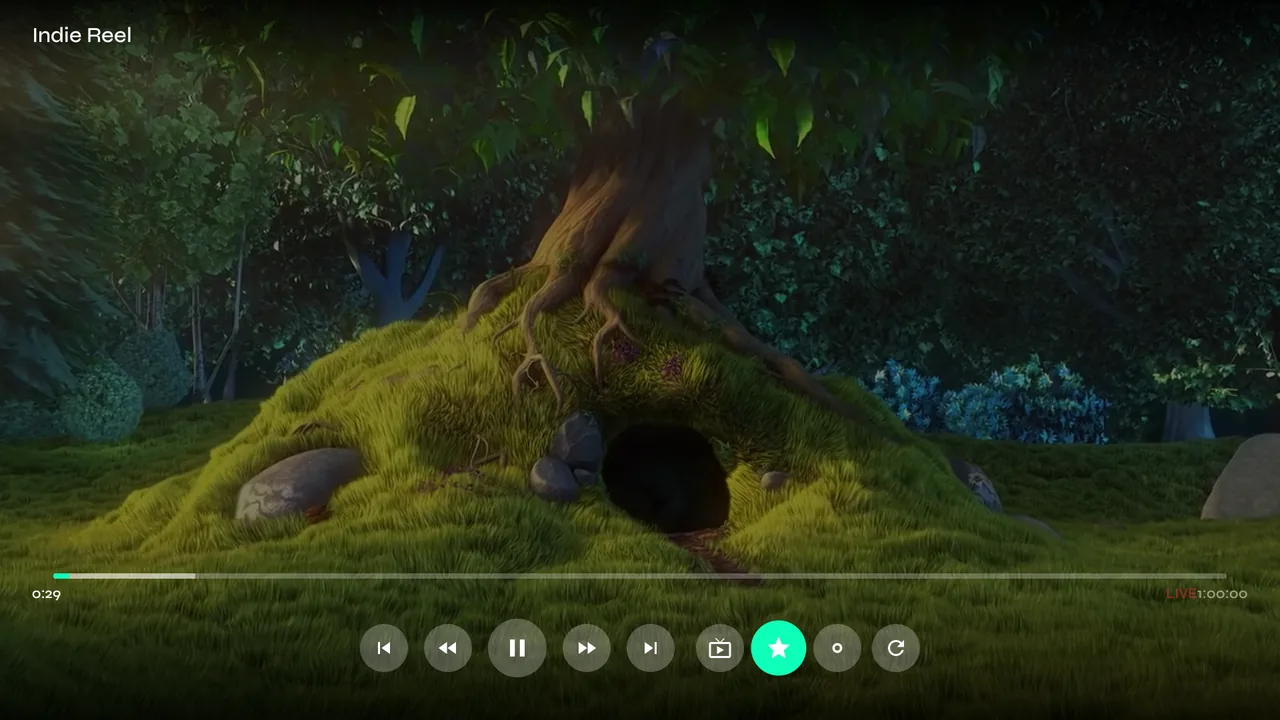
1Press OK to show the controls, then the star. Same folder choice, without leaving the channel.
Where they live
-
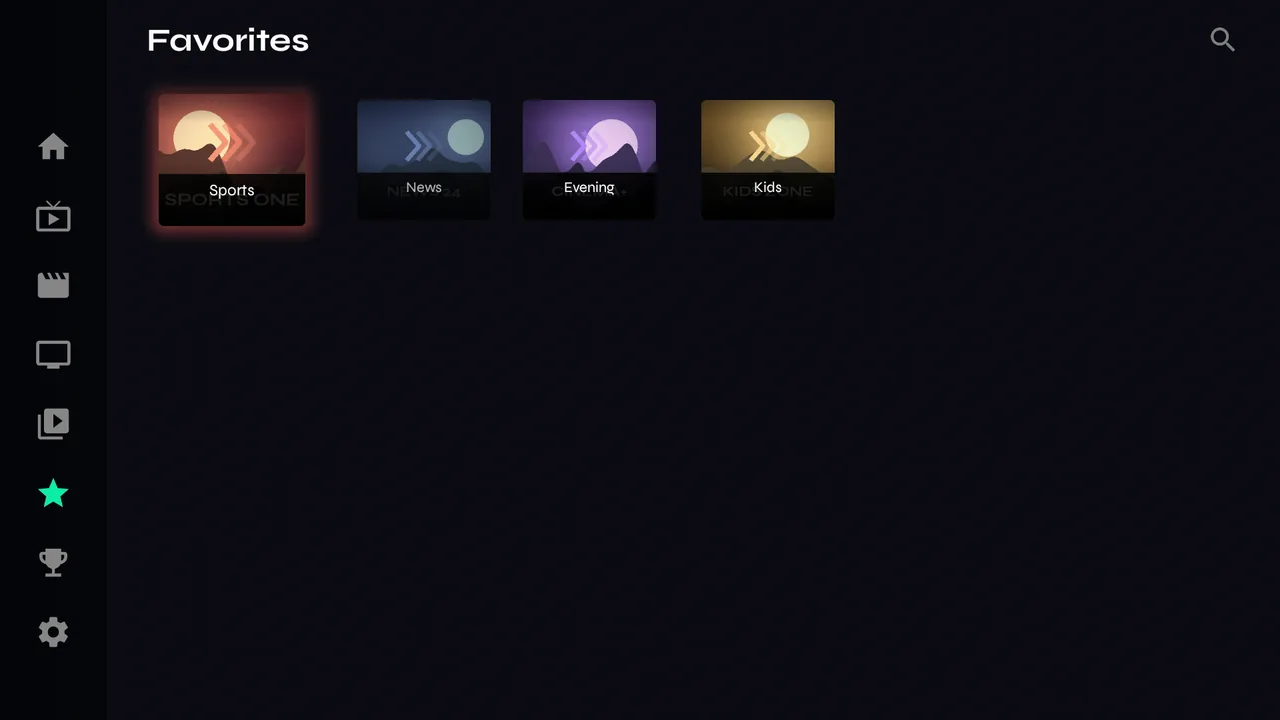
1Favorites in the menu shows your folders. Open one as a Live Guide or as a grid.
-
2Velo checks your favourite channels in the background. One that has stopped working at your provider is labelled UNAVAILABLE and moves to the end of its folder, so the working ones stay on top. If it starts working again, the label goes.